How to Watch Your Home Movies on Vacation (Without Carrying a Hard Drive)
You're at a hotel, it's raining, and you want to watch a movie from your own library back home — but that library is sitting on a box in your living room a thousand miles away. The old answer was to copy a few films onto a hard drive or a tablet before you left and hope you packed the right ones. There's a better way: your whole library, streamed to your phone over the hotel WiFi, as if you were on your own couch — and without opening your home up to the internet. This guide walks you through it in plain English. Tested on: SparkBox 1.6.314, running on a UGREEN DXP4800 Plus and a $7/month Hostinger VPS.
- The problem: your movies are home, you're not
- How it works: a private tunnel to your own house
- What you need before you start
- Step 1: turn on remote access on your server
- Step 2: install the app on your phone
- Step 3: open your library from the hotel
- Sharing with family on the trip
- The honest limits
- Next steps
1. The problem: your movies are home, you're not
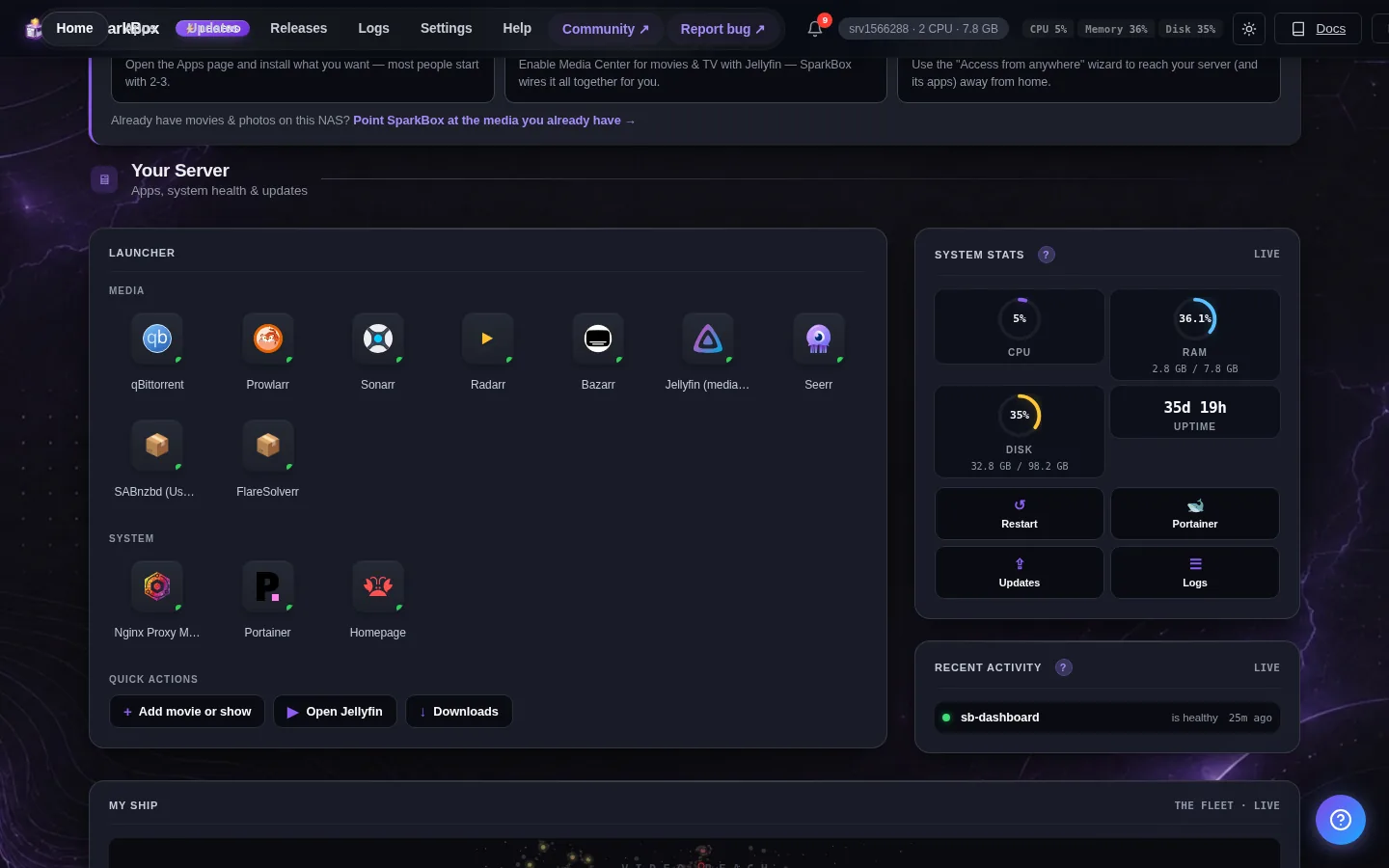
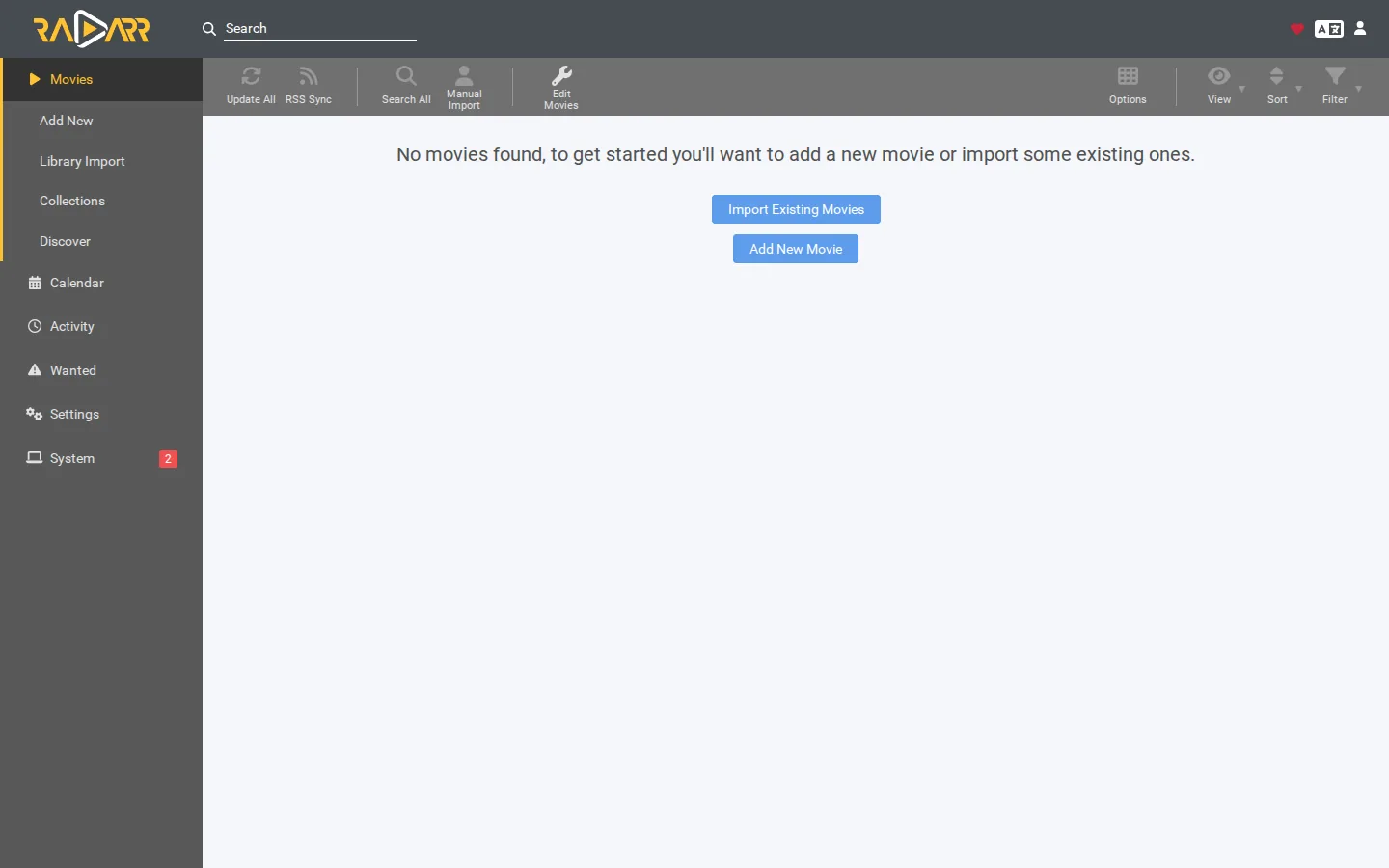
If you've built a movie and TV library at home — say with SparkBox and Jellyfin, the free app that gives you a Netflix-style screen of your own films — it works great on your home WiFi. The catch is that it's designed to stay home. By default it isn't reachable from the outside, which is exactly what you want for security, but it means a hotel, a plane with WiFi, or your in-laws' house can't see it.
The instinct is to expose it to the internet so you can reach it from anywhere. Please don't. Opening your home server to the whole internet is how people end up with strangers poking at their stuff. There's a way to reach your library from anywhere that keeps it invisible to everyone except you.
2. How it works: a private tunnel to your own house
The trick is a free service called Tailscale. Think of it as a private club that only your own devices can join. You install a small app on your home server and on your phone, sign both into the same free account, and from then on they can talk to each other directly — over any WiFi, anywhere in the world — as if they were sitting in the same room.
Nothing is exposed to the public internet. As SparkBox's own description puts it: you reach your apps from anywhere, with no router setup and nothing exposed to the internet — only your own signed-in devices can connect. So when you open your movie library from a hotel, you're not opening a door to the world; you're using a private line between your phone and your house that nobody else can see.
3. What you need before you start
Three things, and you probably already have the first two:
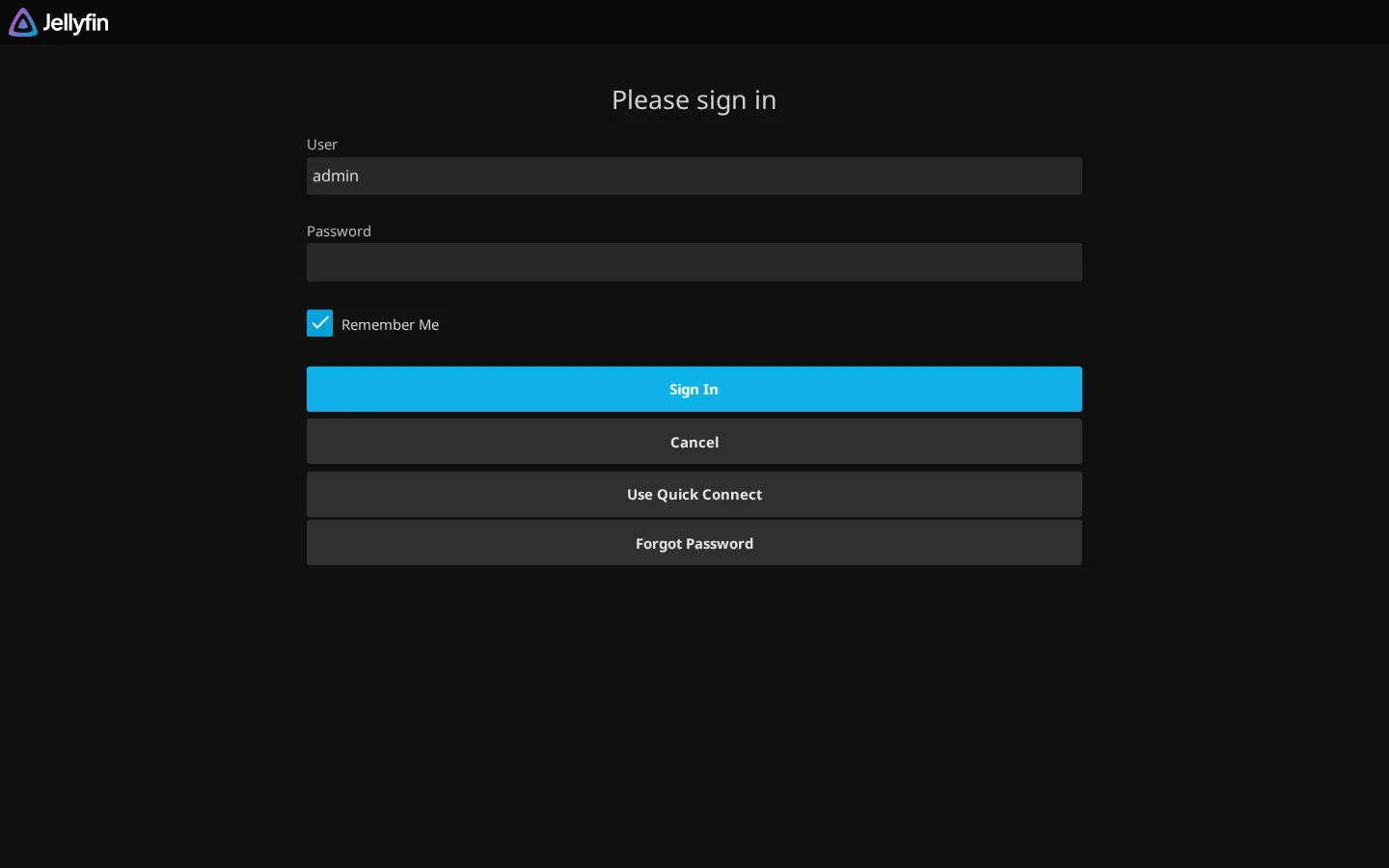
- A home library that's already working. That means SparkBox installed with the media module, so your movies and shows show up in Jellyfin at home. If you haven't done that yet, start with setting up your media server and come back here.
- Your phone (and a laptop if you want). Whatever you'll actually watch on while you're away.
- A free Tailscale account. No payment, no credit card for normal home use. You'll make it in a minute during setup.
That's it. You don't need a tech-savvy friend, a special router, or your internet provider's help.
4. Step 1: turn on remote access on your server
SparkBox includes Tailscale as a one-click module, so you don't install anything by hand. The only mildly fiddly part is a one-time sign-in code, and SparkBox tells you exactly where to get it. Here's the whole flow:
First, in your free Tailscale account, turn on secure addresses. Go to login.tailscale.com/admin/settings/features and switch on HTTPS Certificates. This is what lets your library load over a secure web address instead of quietly failing — do it before anything else.
Next, create your sign-in code. Tailscale calls it an "auth key." Go to login.tailscale.com/admin/settings/keys, create a key, and choose the reusable option so it keeps working after a restart. It's a long code that starts with tskey-auth-.
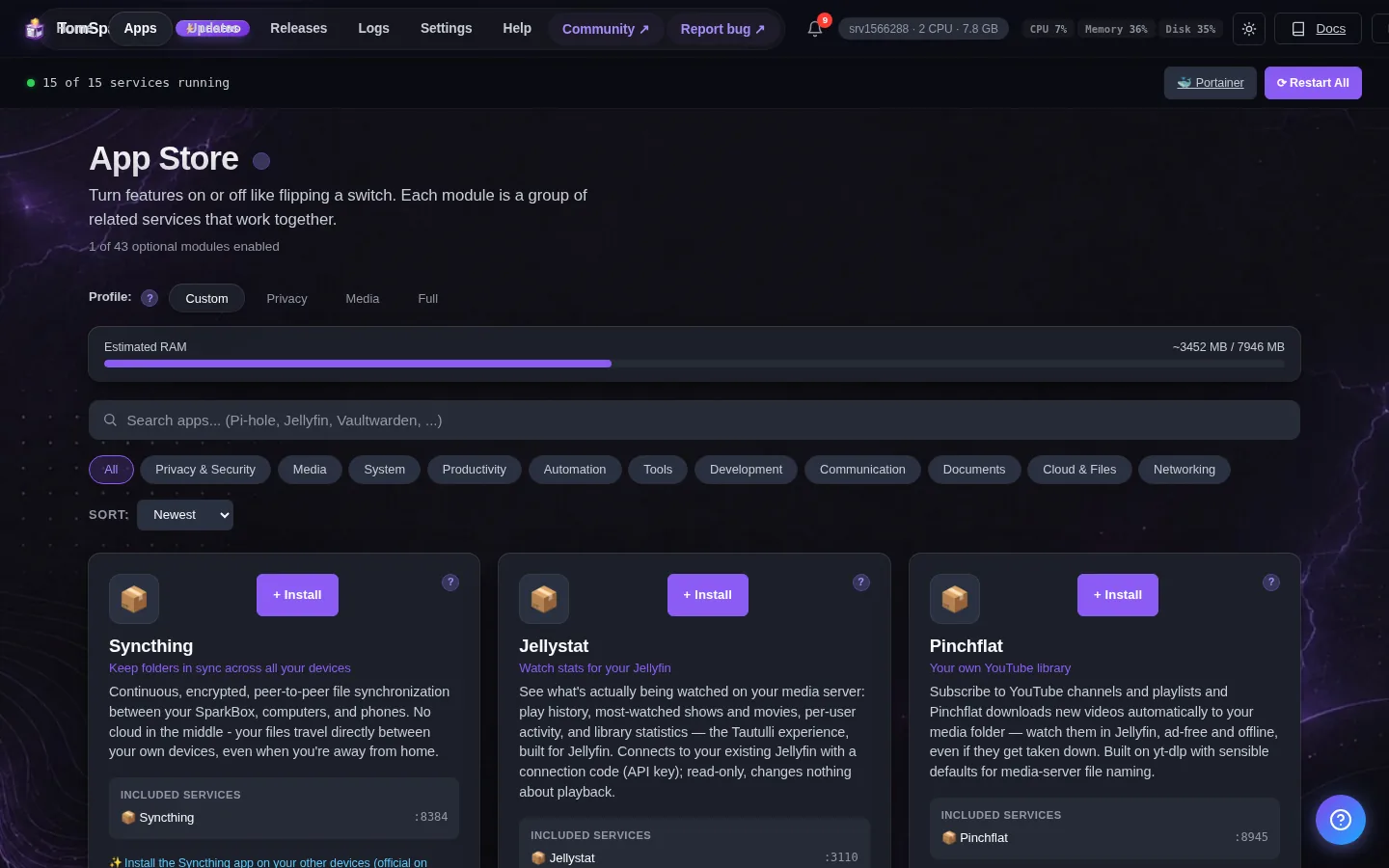
Now open your SparkBox dashboard, turn on the Tailscale module, and when it asks, paste that code. That's the entire server side. SparkBox connects your home box to your private network automatically.
Tip: Pick the reusable key, not a one-time one. A reusable key lets your server quietly reconnect on its own after a power blip or an update, so your "watch from anywhere" doesn't silently break while you're away. There's a full picture-by-picture version in our Tailscale setup guide and our access your home server from anywhere walkthrough.
5. Step 2: install the app on your phone
This is the easy half. On your phone, install the Tailscale app from the App Store or Google Play, open it, and sign in with the same account you used above. Do the same on your laptop if you're bringing one. Once it's signed in, you can leave it running — it sits quietly in the background and barely touches your battery.
From this moment, your phone is a member of your private club. It can reach your home server whether you're on hotel WiFi, a friend's network, or your phone's own data — without you doing anything else each time.
6. Step 3: open your library from the hotel
Now the payoff. Install the Jellyfin app on your phone (also free, in both app stores). The first time you open it, it asks for your server's address. With Tailscale running, you type in your server's private address once — SparkBox shows you this address on your dashboard — and sign in with your usual sparkbox account.
That's it. Your posters, your "Continue Watching," your shows — all of it streams to your phone over the hotel WiFi, picking up right where you left off at home. You didn't carry a single file. Next time you travel, there's nothing to set up again; you just open Jellyfin and play.
7. Sharing with family on the trip
If you're traveling with family and want everyone to watch on their own phones, you don't have to hand out your password. Tailscale lets you invite specific people to your network, and SparkBox is built with that in mind — its remote-access description notes you can invite family or friends to specific apps. Each person installs the Tailscale app, accepts your invite, and then uses Jellyfin the same way. Great for a long car ride or a rainy hotel afternoon with the kids.
8. The honest limits
This works genuinely well, but it isn't magic, so here's the straight talk:
- It depends on your home internet's upload speed. The video is leaving your house and traveling to you, which uses your home connection's upload — usually the slower direction. If your home upload is modest, set the quality lower in the Jellyfin app and it'll play smoothly. A 4K movie needs a lot more than a regular one.
- Watch your mobile data. Streaming over your phone's cellular data instead of WiFi can eat through a data plan fast. On hotel or cafe WiFi you're fine; on a road trip, keep an eye on it or download a couple of titles before you leave.
- Some hotel WiFi makes you "sign in" first. Many hotels show a login page before they let you online. Just accept that page in your browser as normal, and then your connection home works.
- Your home box has to stay on. If the power's out at home or the server is off, there's nothing to stream from. It's your library, which means it lives on your hardware.
None of these are dealbreakers — they're just the honest trade for watching your own library, privately, from the other side of the world.
9. Next steps
Once this is set up, "watch my own movies on vacation" stops being a project and becomes a habit: open the app, press play. You bring your phone and a few minutes of one-time setup; SparkBox and Tailscale handle the private connection so nothing of yours is ever exposed to the internet.
Don't have your library yet? SparkBox is a free download that sets up your movie and TV server in one step — then this guide gets it onto your phone for the next trip.
Download SparkBoxAlready set up at home? See watching your movies on any device for the TV and tablet apps too.