Seerr requests fail: "Root folder '/data/media/Movies' does not exist"
Every time you request a movie or show through Seerr, the request bounces back with RootFolderExistsValidator and the message Root folder '/data/media/Movies' does not exist. Nothing downloads. The cause is a path mismatch: your download stack was moved to /data/Movies and /data/TV, but Seerr is still asking for the old /data/media/Movies path with an extra /media/ segment that no longer exists.
Rather not touch config files? SparkBox keeps qBittorrent, Radarr, Sonarr and Seerr on one shared media path and re-seeds them together, so this class of mismatch is patched on update. See the walkthrough →
The 10-second version: Radarr's root folder is now /data/Movies and Sonarr's is /data/TV — no /media/ in the middle. Seerr just needs to point at those same folders. Open Seerr → Settings → Services, edit each server, and re-select the correct root folder from the dropdown. Or update to SparkBox v1.6.106+, which re-seeds it for you.
First, what "root folder" actually means
A root folder is the top-level directory where an app like Radarr or Sonarr expects your library to live — everything it manages goes inside it. In a container setup, that path is written from the container's point of view, not the host's.
The download stack uses a bind mount: a single host directory is exposed inside every container under one shared path. In this stack the mount is ${MEDIA_ROOT}:/data. That means whatever folder MEDIA_ROOT points to on your machine appears as /data inside qBittorrent, Radarr, Sonarr and Seerr alike. So:
/data/Moviesinside the container =${MEDIA_ROOT}/Movieson the host/data/TVinside the container =${MEDIA_ROOT}/TVon the host
Because they all share one /data, qBittorrent can save a finished download and Radarr can instantly see and hardlink it — no copying, no "file not found." That only works if every app agrees on the exact same path. When one app disagrees, that app's operations fail.
The real cause: a stale path left one app behind
In SparkBox v1.6.81 (commit 82a0fe4) the *arr stack was realigned so every container binds ${MEDIA_ROOT}:/data, and the bootstrap that registers root folders was updated to use /data/Movies for Radarr and /data/TV for Sonarr. The old layout had an extra middle segment — /data/media/Movies — which was removed.
The same commit updated the compose file for the media module, but it missed the Seerr seed script. So on every fresh install after v1.6.81, Radarr and Sonarr were correctly registered at /data/Movies and /data/TV, while Seerr was seeded with the old /data/media/Movies. When you requested a title, Seerr handed that stale path to Radarr, Radarr couldn't find it, and RootFolderExistsValidator rejected the request.
Why it looks like a qBittorrent problem: qBittorrent shares the exact same /data mount, so its save paths must match too. If you also changed qBittorrent's default save path by hand, double-check it points under /data and not /data/media. A mismatch there causes the same "folder does not exist" family of errors on imports.
Fix 1 — Update to the version that re-seeds Seerr (easiest)
The stale seed path was corrected in v1.6.106. If you're on SparkBox, updating re-seeds Seerr with the correct /data/Movies and /data/TV paths so you don't have to touch anything.
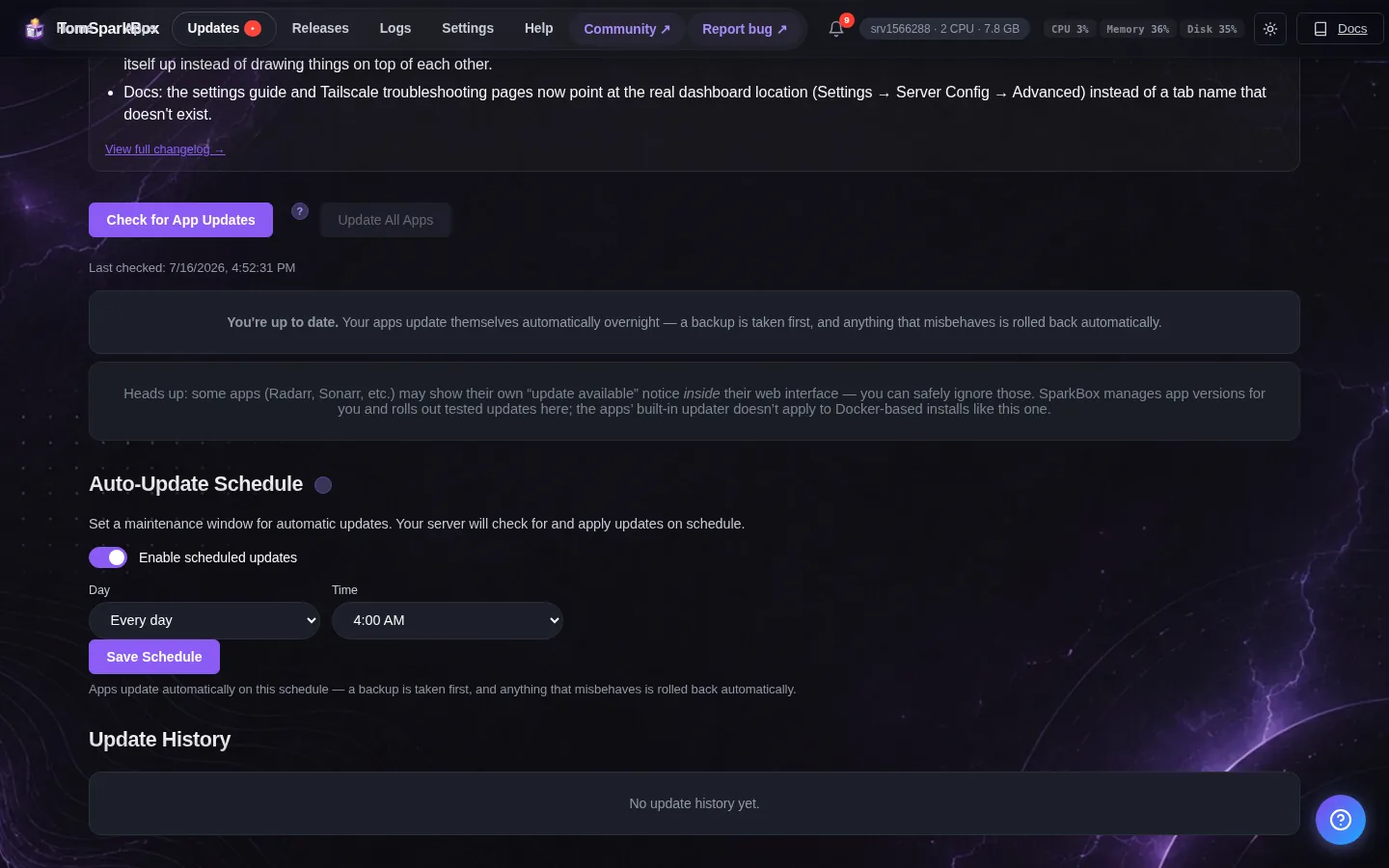
- Update SparkBox to 1.6.106 or later.
- Open Seerr and submit a fresh test request for any movie.
- Confirm it hands off to Radarr without the validator error and the download begins.
If you're not on SparkBox, or you'd rather not wait for a fresh seed, use Fix 2 — it works on any setup regardless of how the apps were installed.
Fix 2 — Re-point Seerr at the correct root folder (any setup)
Seerr reads the list of available root folders live from Radarr and Sonarr. So the cleanest repair is simply to re-select the correct folder from Seerr's dropdown — no files, no restarts.
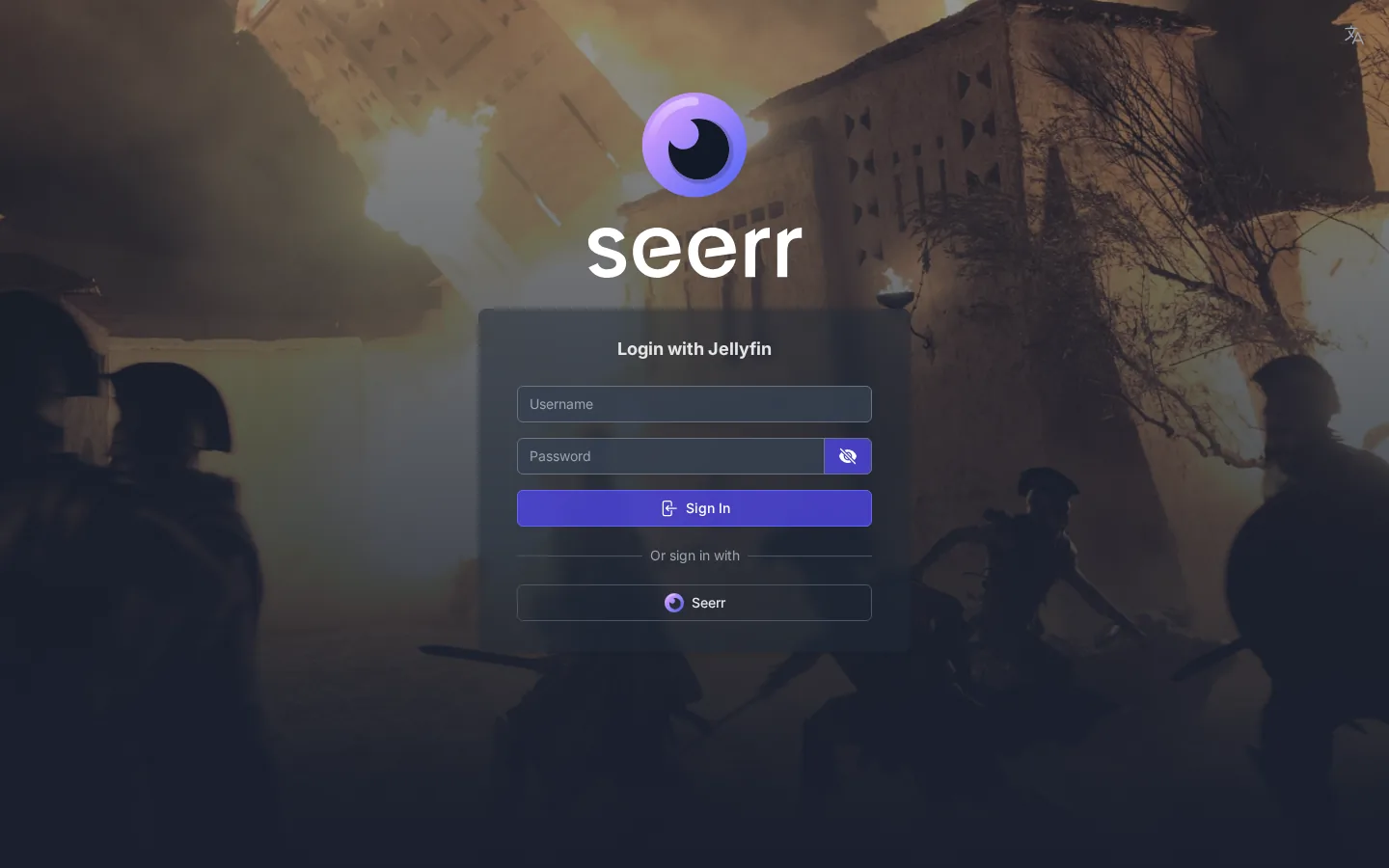
- In Seerr, go to Settings → Services.
- Click your Radarr server to edit it.
- Find the Root Folder setting. If the dropdown still shows
/data/media/Movies, open it and choose/data/Moviesinstead. If the stale path is the only option shown, click the refresh/test-connection control first so Seerr re-reads Radarr's live list. - Save.
- Repeat for your Sonarr server, selecting
/data/TV. - Submit a new test request and confirm it succeeds.
Gotcha: Existing requests that failed before the fix won't retry themselves. Delete the stuck request in Seerr and re-request it, or trigger the item manually in Radarr/Sonarr.
Fix 3 — Confirm Radarr and Sonarr agree first
Before blaming Seerr, verify the *arr apps themselves are on the new paths. This is a two-minute sanity check that also catches a hand-edited qBittorrent save path.
- In Radarr, open Settings → Media Management → Root Folders. It should list
/data/Movies. If it still lists/data/media/Movies, add/data/Moviesas a new root folder, move your library entries to it, then remove the old one. - In Sonarr, do the same under Settings → Media Management → Root Folders — the correct path is
/data/TV. - In qBittorrent, open Options → Downloads and check the default save path is under
/data(for example/data/torrentsor/data/downloads, matching whatever your Radarr/Sonarr download-client category expects) — never/data/media.
Once all three apps see the same /data tree with no stray /media/ segment, Seerr's request will pass the validator, Radarr will grab the release, qBittorrent will save into the shared mount, and the import will hardlink cleanly.
How to confirm it's actually fixed
- A new Seerr request no longer throws
RootFolderExistsValidator. - The requested title appears in Radarr/Sonarr with a root folder of
/data/Moviesor/data/TV. - qBittorrent shows the download saving under the shared
/datapath. - After the download completes, the file imports without a "file not found" error.
Frequently asked
Why does Seerr say root folder /data/media/Movies does not exist?
Your Radarr and Sonarr root folders were realigned to /data/Movies and /data/TV, but Seerr (or the script that seeded it) is still pointing at the old /data/media/Movies path with an extra /media/ segment. That folder no longer exists inside the container, so every request is rejected by the validator.
Is this a qBittorrent bug or a Seerr bug?
Neither app is broken. The whole download stack shares one bind mount (${MEDIA_ROOT}:/data) and every app must agree on the same container path. When qBittorrent, Radarr, Sonarr and Seerr disagree about where /data lives, the operation fails. Aligning the paths fixes it.
How do I fix it without editing files?
In Seerr, open Settings → Services, edit your Radarr and Sonarr servers, and pick the correct root folder from the live dropdown (Seerr reads it straight from the *arr app). Save and submit a fresh request to confirm.
Which SparkBox version fixes this?
The stale seerr-seed.sh path was corrected in v1.6.106. Updating to that release or later re-seeds Seerr with /data/Movies and /data/TV automatically, so no manual fix is needed.
Skip the path-matching entirely
SparkBox wires qBittorrent, Radarr, Sonarr and Seerr onto one shared media path and seeds them together, so requests just work — and mismatches like this get patched on update.
New to containers? Start with self-hosting without learning Docker, then set up a beginner-friendly dashboard to keep an eye on the stack.