Your VPN (or database module) starts with a blank password after an update
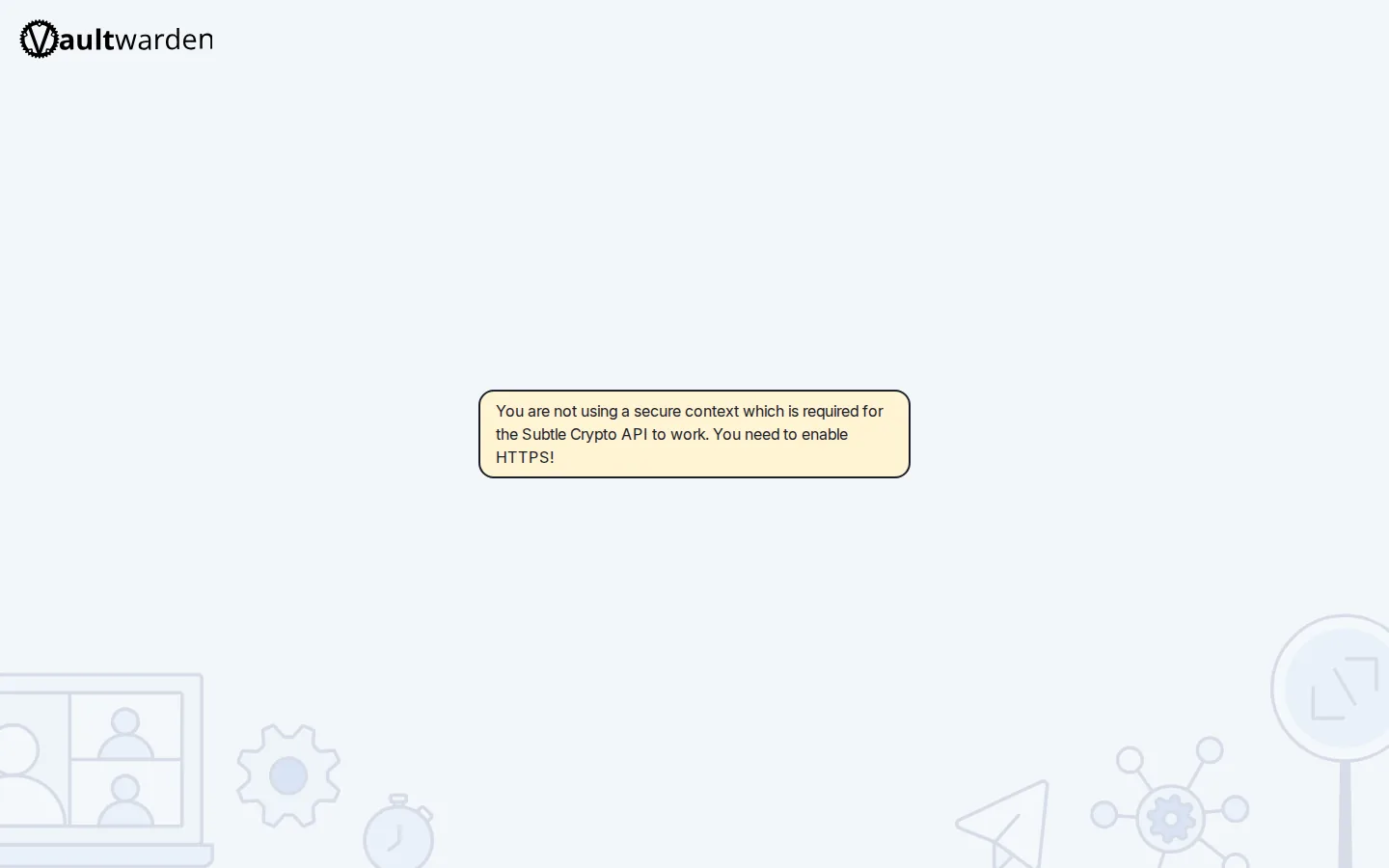
You run an update, the stack recreates its containers, and suddenly a secret is gone. A VPN or app like Duplicati loads with an empty DUPLICATI_PASSWORD; a database-backed module like Jellystat won't come up at all, with Postgres complaining "Database is uninitialized and superuser password is not specified." The value is still sitting correctly in your .env file — but Docker Compose is using a blank copy from the live environment instead.
Rather not hand-chase environment variables? SparkBox clears stale minted secrets before every recreate and guards password-file writes, so modules keep their passwords across updates. See the walkthrough →
The 10-second version: Docker Compose prefers a variable that already exists in the shell environment over the same key in your --env-file. When a stale, empty copy of a password leaks into that environment, it beats the real value on disk. Clear the empty variable (or set the password before a database's first start) and the correct secret is used again.
What's actually happening
Two concepts explain almost every case of this bug. Take a second on each — the fix falls out of them naturally.
Environment variable: a named value (like DUPLICATI_PASSWORD=hunter2) that a program reads at startup. Docker Compose can pull these from a file — usually passed with --env-file — or from the live shell environment of whatever process launched it.
Precedence: when the same key exists in both places, Compose does not use the file. It uses the value already present in the environment. This is documented behaviour, not a bug in Compose — but it bites hard when the environment holds an empty string.
Here is the exact chain we traced. A controlling process (in SparkBox's case, the dashboard) loads every line of .env into its own environment once, at boot. It then generates or "mints" each module's secrets and writes them to .env on disk. When you run an update, the controlling container is itself recreated — and on that recreate it reloads an empty placeholder for a key that hasn't been re-minted yet. It then spawns the command that runs Compose. Compose sees the blank value already in the environment, decides that copy wins over the file, and hands the container an empty password.
Why generated secrets survived but yours didn't: The tooling already unsets its own minted secrets and a hard-coded VPN list before calling Compose, so the on-disk file wins for those. What fell through the cracks were user-set manifest variables flagged as secrets — things like DUPLICATI_PASSWORD. They were never added to the "unset before Compose" list, so their stale empty copy leaked straight through.
Fix 1 — See which value Compose will really use
Before changing anything, confirm the diagnosis. From the folder that holds your Compose file:
docker compose configThis prints the fully rendered configuration with every variable substituted. Scroll to the affected service and look at its environment block. If the password field is blank or missing while your .env clearly has a value, you have confirmed the precedence problem — the environment is beating the file.
You can also inspect the raw environment of the process that launches Compose:
printenv | grep -i PASSWORDAn entry like DUPLICATI_PASSWORD= with nothing after the equals sign is the smoking gun.
Fix 2 — Clear the stale empty variable, then bring the stack up
The direct fix is to remove the blank copy from the environment so Compose falls back to the file. In the shell that will run Compose:
unset DUPLICATI_PASSWORD
docker compose up -d
Replace DUPLICATI_PASSWORD with whichever key came back empty in Fix 1. Because unset only affects the current shell, run the up command in that same session. Re-run docker compose config afterward to confirm the value is now populated from disk.
Gotcha: if a controlling service recreates itself on every update and reloads the empty placeholder each time, clearing the variable by hand is a one-shot fix. The next update can reintroduce the blank. That's why the durable fix (below) is to stop the empty value from ever entering the environment.
Fix 3 — Database modules: set the password before first initialization
Database images behave differently and need special care. The official Postgres image — which Jellystat and many other apps depend on — only reads POSTGRES_PASSWORD the first time it initializes its data directory. If the value arrives empty on that first boot, it refuses to create the database and prints:
Database is uninitialized and superuser password is not specifiedOnce a data directory exists, the image never reads that variable again. So there are two situations:
- The database has never initialized yet. Make sure the password is present (Fix 1 and Fix 2), then start the module. Postgres will initialize with the correct password.
- An empty init already created a broken data directory. The container may have written a half-initialized volume with no password. If the volume holds no data you care about, remove it so the image can initialize cleanly with the correct password on the next start. Identify the volume with
docker volume lsand inspect the service'svolumes:entry in your Compose file first. Never delete a volume that holds real data — if in doubt, back it up before touching anything.
Fix 4 — Stop the empty value from leaking on every update
The lasting fix is to guarantee that whatever launches Compose does not carry a blank secret into its environment. The principle is simple: anything present in the file must not also be present, empty, in the environment. Two ways to enforce that:
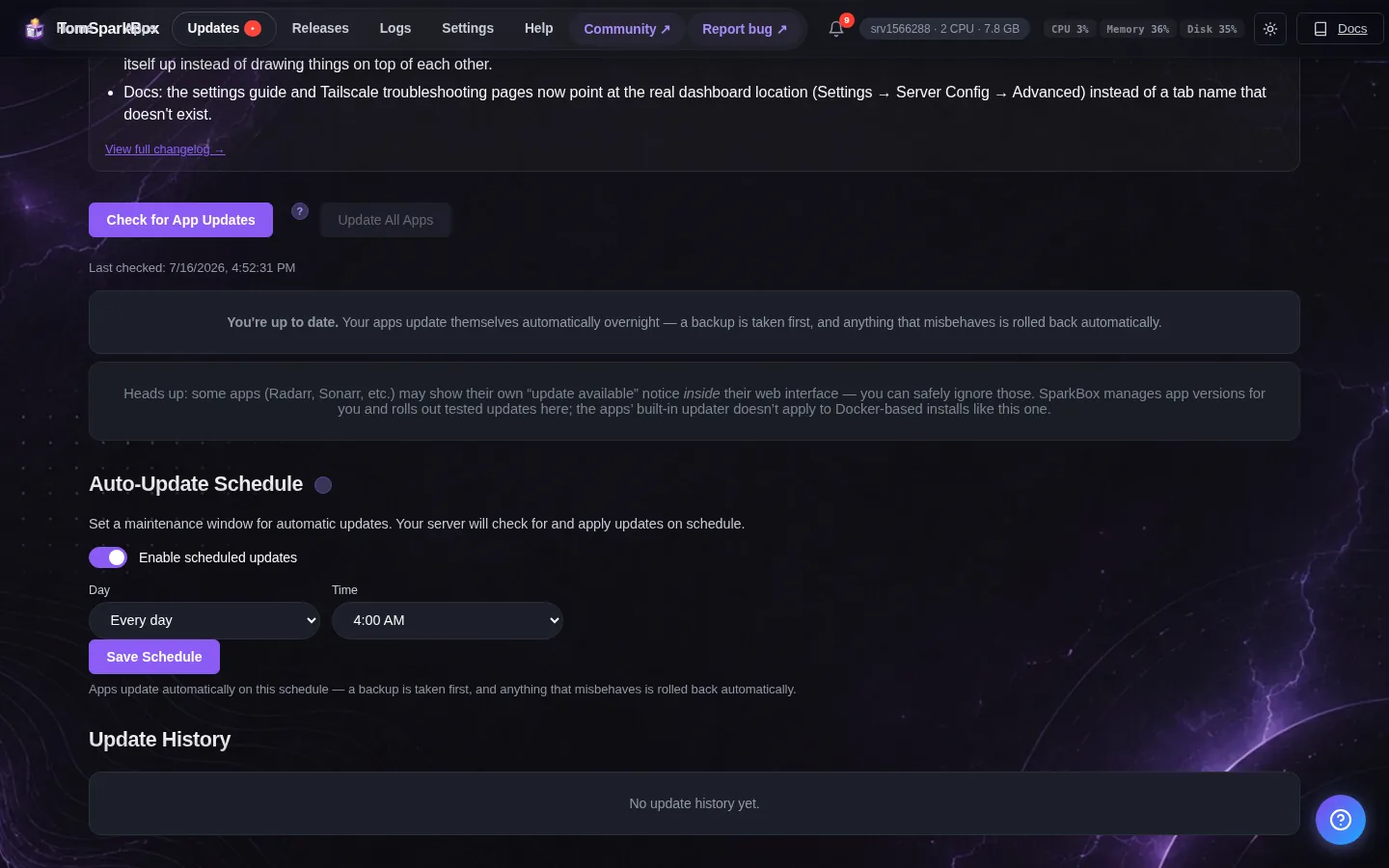
- Unset user-set secrets before Compose runs. This is exactly what the SparkBox fix does — it now clears user-set
type:secretmanifest variables (not just the auto-generated ones) so the on-disk env file always wins. - Write the secret file first, then reset dependent services. When two files must land together (for example a generated password file plus the credential store that reads it), make the reset happen only after both files exist. Resetting before the write is what produces a service holding an empty credential.
If you maintain your own stack by hand, audit any wrapper script or controller that both (a) loads .env into its own environment at startup and (b) later launches Compose. That combination is where blank passwords are born.
Status: The user-set secret leak (e.g. DUPLICATI_PASSWORD) and the guarded password-file writes are fixed in current SparkBox builds. If you are still seeing a blank password after updating, run Fix 1 to confirm and report the exact key so it can be checked against the unset list.
Frequently asked
Why does my VPN or app start with a blank password after an update?
Docker Compose gives variables that already exist in the live shell environment priority over the values in your --env-file. If a stale or empty copy of a secret is sitting in the environment when Compose runs, that empty value wins over the correct one on disk, so the container starts with no password.
Why does Postgres say "Database is uninitialized and superuser password is not specified"?
The official Postgres image only reads POSTGRES_PASSWORD the first time it initializes its data directory. If that variable arrives empty on first boot, the image refuses to create the database and prints this error. Supply the password before the very first start.
How do I check which value Compose will actually use?
Run docker compose config in your project folder. It prints the fully resolved configuration with every environment variable substituted, so you can see whether a password field is blank before you ever start the container.
Does re-running the update fix it?
Not reliably. If the empty value keeps leaking into the environment on every recreate, the update simply rolls back each time. You need to clear the stale variable so the on-disk secret is used, or set the password before first initialization for database modules.
Skip the environment-variable detective work
SparkBox clears stale user-set secrets before every recreate and writes password files before dependent services reset, so your VPN and database modules keep their credentials across updates.