Vaultwarden passwords ended up in an unencrypted backup archive
You asked the dashboard for an encrypted backup, but what landed on disk was a plain sparkbox-full-*.tar.gz you can open with a normal tar command — and it contains your Vaultwarden vault. This happened because the backup key resolved to an empty value, and the old code silently wrote the archive unencrypted instead of stopping. It was fixed in v1.6.264.
Rather not manage backup keys by hand? SparkBox 1.6.264+ refuses to write a full archive when no key resolves, so this class of silent-plaintext bug can't recur. See the walkthrough →
The 10-second version: Update to v1.6.264 or newer, delete any existing sparkbox-full-*.tar.gz that opens without a passphrase, set SB_BACKUP_KEY (exact name) to a real secret in the dashboard's environment, restart, and run one fresh backup to confirm it's encrypted.
What actually went wrong
Vaultwarden is a lightweight, self-hosted server that's compatible with the Bitwarden apps — it stores your password vault. When SparkBox's dashboard runs a full backup, it bundles Vaultwarden's data along with everything else into a single archive. That archive is supposed to be encrypted before it touches disk.
Inside the dashboard, the backup routine called a function named createUnlocked(), guarded by a check that read, in effect, if (encrypt && secret). The dashboard always requested encryption, so encrypt was true. The problem was secret.
The secret came from getBackupSecret(), which resolves to SB_BACKUP_KEY, or, if that's not set, SB_SESSION_SECRET. When both of those resolved empty in the dashboard's environment, the guard was false. Instead of aborting, the code fell through and returned the unlocked archive — a plain sparkbox-full-*.tar.gz — and it didn't delete the file. The result: a full backup, containing your Vaultwarden vault, sitting in the clear.
The most common trigger: a misnamed variable. People set BACKUP_KEY, but the code reads SB_BACKUP_KEY. The SB_ prefix matters — without it the value is invisible to the resolver, the secret comes back empty, and the fallback path fires.
This is fixed in v1.6.264. From that release on, a full backup will not silently produce a plaintext archive when no key resolves.
Cause 1 — You're on a build older than v1.6.264
If your dashboard predates the fix, the silent-plaintext behavior is still present. The upgrade is the single most important step here, because it turns a silent failure into a loud one.
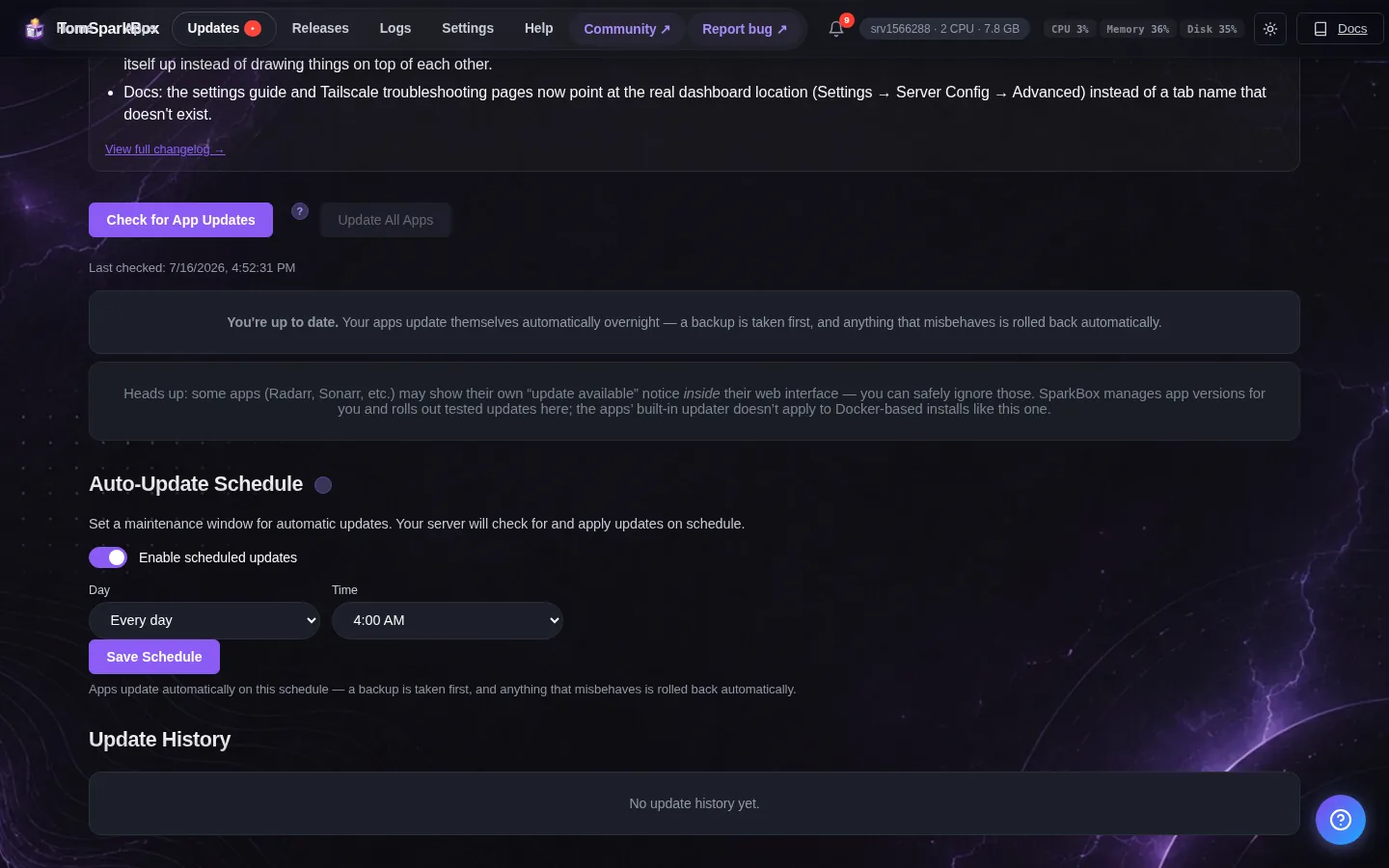
- Check your current version in the dashboard's About or settings screen (the footer often shows it too).
- Update SparkBox to v1.6.264 or newer using your normal update method.
- Restart the dashboard so the new backup code is actually loaded.
Updating alone does not encrypt an archive that already exists — it only prevents new plaintext ones. You still need to fix the key (Cause 2) and clean up the old file (Cause 3).
Cause 2 — The backup key never resolved (empty or misnamed)
The whole bug hinges on the secret being empty. Set it correctly and the encrypted path is the one that runs.
- Open the environment configuration for the dashboard — this is the same place you set other
SB_variables (an env file, a compose file, or your platform's environment panel). - Add or correct the key using the exact name the code reads:
If you had previously writtenSB_BACKUP_KEY=your-long-random-secret-hereBACKUP_KEYwithout the prefix, rename it. That typo is exactly why the secret resolved empty. - Use a long, random value. A password manager or a command like
openssl rand -base64 32produces a good one. Store this key somewhere safe and separate from the backups — if you lose it, you cannot decrypt the archives it protects. - Restart the dashboard so the new environment is picked up. Environment variables are read at start-up; editing the file without restarting changes nothing.
Note on the fallback: the resolver also accepts SB_SESSION_SECRET if SB_BACKUP_KEY is unset. Setting a dedicated SB_BACKUP_KEY is cleaner, because it means your backup encryption doesn't quietly depend on a session variable that could be rotated or blanked elsewhere.
Cause 3 — A plaintext archive is already on disk
Any full backup created while the key was empty is unencrypted. It has to be found, verified, and removed — leaving it there is the actual risk.
- Locate your backup archives. Look for files matching
sparkbox-full-*.tar.gzin your backup directory. - Test whether one is plaintext. If you can list its contents with a plain
tarand read the files inside — no passphrase, no decrypt step — it is unencrypted:
An encrypted archive will not open this way.tar -tzf sparkbox-full-EXAMPLE.tar.gz - Delete every plaintext full archive you find. On a system where secure deletion tools are available you may prefer
shred, otherwise remove it normally:rm sparkbox-full-EXAMPLE.tar.gz - Check anywhere the archive may have been copied — external drives, another server, or cloud/object storage your backup job syncs to. Delete those copies too.
Verify the fix with one clean backup
Once you're on v1.6.264+, the key is set with the correct name, and the old plaintext files are gone, confirm the pipeline is healthy:
- Trigger a fresh full backup from the dashboard.
- Find the newly created archive and run the same
tar -tzftest. This time it should fail to list contents in the clear — that's the sign encryption ran. - Do a test restore in a scratch location using your
SB_BACKUP_KEY, so you know the key you saved actually decrypts the archive. A backup you can't restore isn't a backup.
Do you need to change passwords? If a plaintext archive ever left your control — synced offsite, shared, or reachable by another user — treat those Vaultwarden credentials as exposed and rotate the important ones. If it stayed on a disk only you touch and you've deleted it, rotation is optional but a fair precaution for high-value logins.
Frequently asked
Why was my Vaultwarden backup unencrypted even though I asked for encryption?
The dashboard always requested encryption, but the backup key resolved empty. The old createUnlocked() guard, if (encrypt && secret), was false with no secret, so the code fell through to writing a plain sparkbox-full-*.tar.gz — Vaultwarden data included — and didn't delete it. Fixed in v1.6.264.
How do I know if my archive is encrypted or plain?
A plain archive is named sparkbox-full-*.tar.gz and opens with tar -tzf without any passphrase. If you can list and read its contents that way, it's unencrypted and should be deleted and re-created after you set a real key.
Which environment variable name is correct?
The resolver reads SB_BACKUP_KEY first, then falls back to SB_SESSION_SECRET. A name like BACKUP_KEY without the SB_ prefix is ignored, so the secret resolves empty. Use SB_BACKUP_KEY exactly.
Do I need to rotate my Vaultwarden passwords?
If the plaintext archive left your machine or was reachable by others, treat it as exposed and rotate the affected credentials. If it stayed on a disk only you control and you deleted it, rotation is optional but reasonable.
Skip the backup-key guesswork
SparkBox 1.6.264+ won't hand you a silently unencrypted Vaultwarden backup — no key, no archive — so your vault stays protected by default.