SABnzbd Is Asking for a Password You Never Set (or Won't Prompt for One)
You open SABnzbd — the Usenet download client — and it demands a username and password you don't remember creating. Or the opposite: your installer used to ask you for a SABnzbd secret and now stays silent, and you can't find the value anywhere. Both come down to the same confusion: SABnzbd has three different "passwords," and only one of them is a login. This guide untangles them and shows you how to reset or locate each.
Rather not hand-edit config files? SparkBox auto-mints the SABnzbd secrets, wires them into your download apps for you, and stops prompting you for values it already generated. See the walkthrough →
The 10-second version: SABnzbd does not set a web login by default. If it's prompting for one, a password is saved in sabnzbd.ini — blank out the username and password lines and restart. If another app needs to connect, it wants the API key, not a login password.
First, know which "password" you're dealing with
SABnzbd stores three credential-like values, and people mix them up constantly. Naming them clearly solves half the problems on its own.
- Web-interface login — an optional username and password that gate the SABnzbd dashboard in your browser. Off by default. This is the only one that produces a browser login box.
- API key — a long random string other apps (Sonarr, Radarr, Lidarr, a dashboard) use to talk to SABnzbd. This is what a download manager means when it asks for "the SABnzbd password/key."
- NZB key — a second, more limited key used for adding NZB files only. Rarely the thing you're after.
All three live in a single plain-text file called sabnzbd.ini, inside SABnzbd's config directory. In a container setup that's the folder you mapped to /config; on a bare install it's in SABnzbd's data/profile folder. Everything below is just reading or editing keys in that file.
Cause A: A web login was set and now blocks the UI
This is the classic "SABnzbd wants a password I never made." Usually it was set once during a guided install, copied from a tutorial, or enabled by an automation script — then forgotten. There is no secret recovery flow; you edit the file directly.
- Stop SABnzbd first. SABnzbd rewrites
sabnzbd.inion shutdown, so edits made while it's running get overwritten. Stop the service or container before touching the file. - Open
sabnzbd.inifrom the config directory in any text editor. - Find the
[misc]section and locate these two lines:username = your_old_name password = your_old_password - Clear the values so they read exactly:
username = password = - Save and restart SABnzbd. The dashboard now opens with no login. If you want a password back, set it cleanly from Config → General in the web UI.
Gotcha: If you blank the lines while SABnzbd is still running, your old password comes right back on the next save. Always stop it first. On Docker that's a stop, not just a restart, before editing.
Cause B: An app needs the API key, not the login
If Sonarr, Radarr, or a dashboard says it "can't authenticate to SABnzbd," it is almost never the web login at fault — it wants the API key. Typing your browser password into that field will always fail.
- In the SABnzbd web UI, go to Config → General.
- Copy the value labelled API Key (not the NZB key unless the other app specifically asks for it).
- Paste it into the connecting app's "API key" field, alongside the host and port you reach SABnzbd on.
- If you can't open the UI to copy it, the same value is in
sabnzbd.iniunder[misc]asapi_key =.
Changing the API key (there's a regenerate button in Config) instantly breaks every app already using the old one, so only rotate it if you also update those apps.
Cause C: Your installer stopped prompting — and that's intentional
Some self-hosting stacks, SparkBox included, used to ask you to type a SABnzbd secret during setup. If that prompt disappeared after an update, nothing is broken — the behaviour changed on purpose.
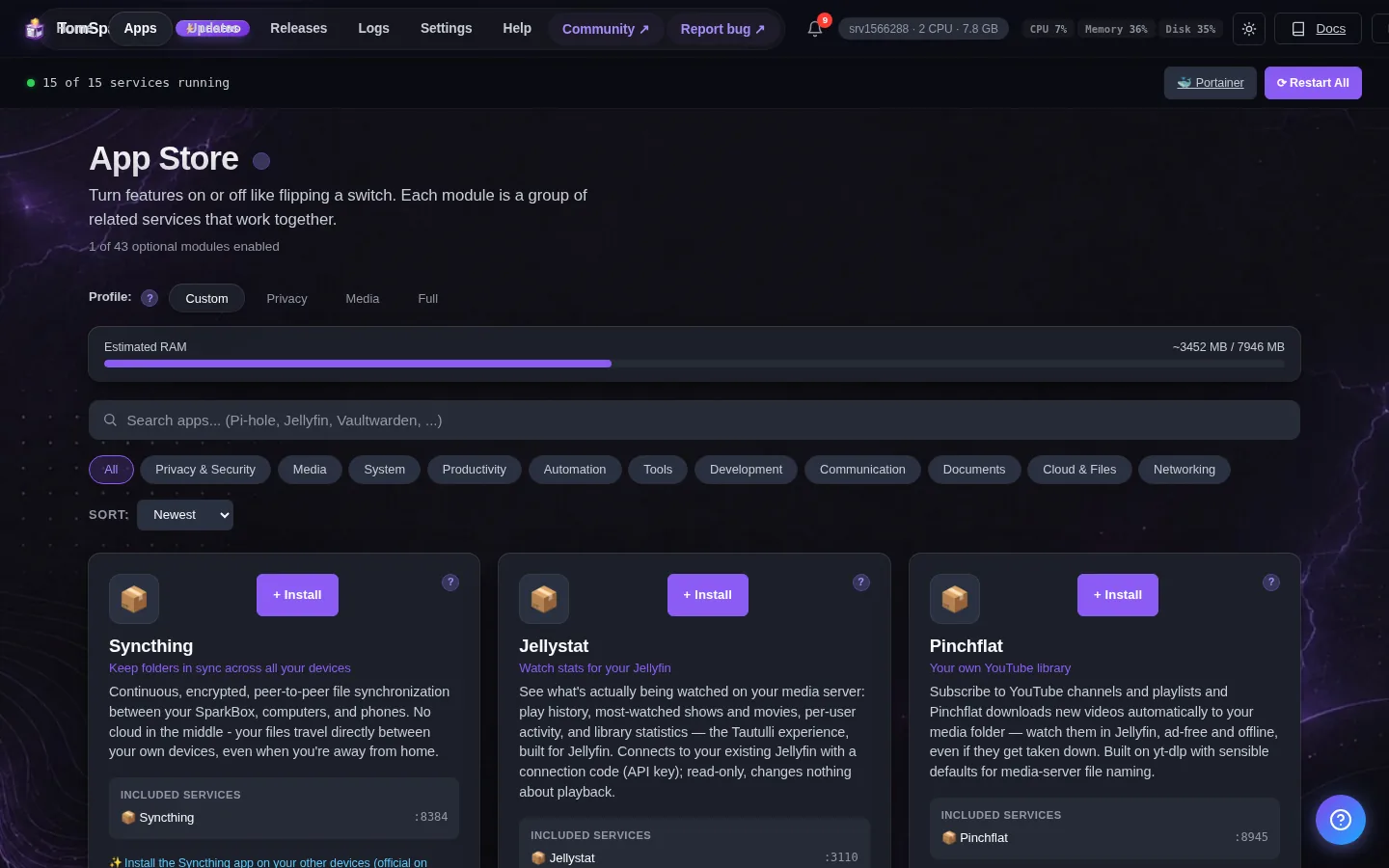
The install logic (getRequiredConfig()) now excludes any environment-variable key that the module also lists as an auto-generated secret. In plain terms: if the system mints the value itself, it no longer asks you to invent one. The secret is written for you, stored, and reused on every restart, so there's nothing for you to type or remember.
What this means in practice:
- You will not see a prompt for a value SABnzbd (or a related secret) generates automatically. That's expected, not a missing step.
- The value still exists — it lives in the module config and in
sabnzbd.ini, and is injected for you when the container starts. - If you need to read it, open the SABnzbd UI's Config → General, or look in
sabnzbd.inias described above. You don't recover it from the installer because the installer never asked you to set it.
Why this is better: auto-minted secrets removed a whole class of "I left it blank / I typed it twice differently" install failures. The trade-off is the one-time surprise of no prompt — which is what brought you here.
Bonus fix: the SABnzbd tile shows "unhealthy" with an empty URL base
Riding the same release is a fix for a cosmetic-but-annoying issue: if SABnzbd's url_base (the sub-path the UI is served under, e.g. /sabnzbd) was left empty, the dashboard's health probe hit the wrong path and the tile flagged the container as unhealthy even though downloads worked fine.
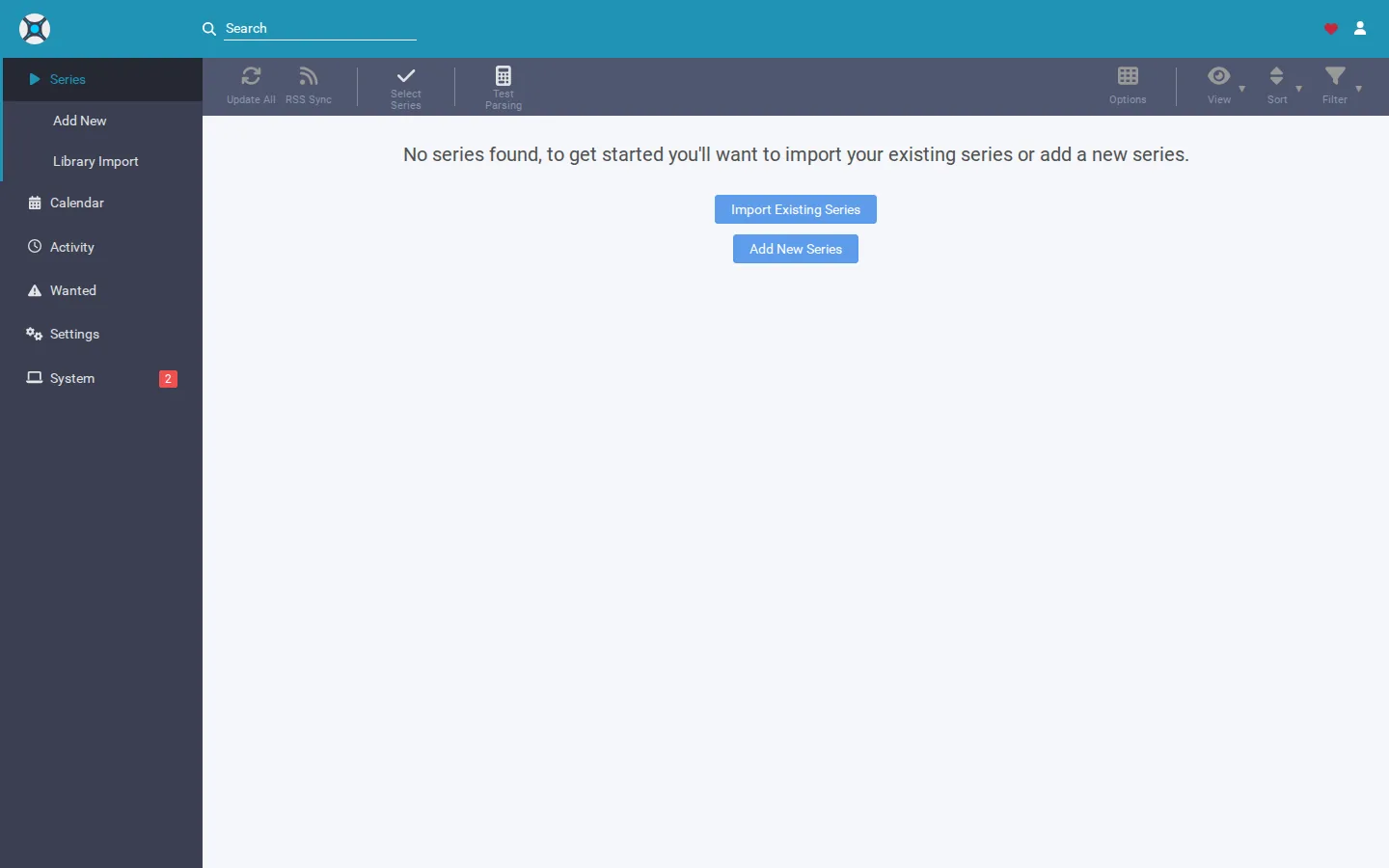
The healthcheck now probes the container root instead of a sub-path, so SABnzbd reports healthy regardless of whether you've configured a URL base. If you still see an unhealthy tile after updating, confirm:
- You're on the build that includes this change (the same one that auto-mints the secrets above).
- SABnzbd itself actually loads in your browser — if the UI is down, the tile is correctly unhealthy and Cause A or a port issue is the real culprit.
- You haven't manually overridden the healthcheck to point at a custom path.
Frequently asked
Where is the SABnzbd password stored?
In sabnzbd.ini inside your SABnzbd config directory, under the [misc] section. The username and password keys only hold values if you enabled web-interface authentication. The api_key and nzb_key on the same section are separate auto-generated secrets, not the login password.
I forgot my SABnzbd password — how do I reset it?
Stop SABnzbd, open sabnzbd.ini, find the username and password lines under [misc], delete the text after each equals sign, save, and restart. The web UI then opens with no login, and you can set a fresh password from Config if you want one.
What's the difference between the SABnzbd password and the API key?
The password protects the human-facing web interface. The API key authenticates other apps — Sonarr, Radarr, a dashboard — that talk to SABnzbd automatically. When a download manager asks to "connect to SABnzbd," it wants the API key, not the web password.
Why did my installer stop asking me for a SABnzbd password?
Any secret the module generates itself is now excluded from the install prompts, so you're never asked to type a value the system already minted. The secret still exists and is reused on every restart — you just read it from the SABnzbd UI or config instead of entering it.
Skip the config-file spelunking
SparkBox mints the SABnzbd API key and secrets, injects them into your download apps, and keeps the health tile honest — no prompts to fumble, no sabnzbd.ini edits.