Jellyfin login fails through Seerr, and the dashboard launcher stays "not ready"
Two different Jellyfin login symptoms get reported together: the in-Jellyfin "request" button (Moonfin) can't sign into Seerr, and Seerr's own first-run sign-in returns a 500 error every time you retry. Separately, a dashboard tile insists "credentials haven't been generated yet" forever. The first one is a server-bundle rejection that has a shipped fix; the second is a readiness check that misses a manually-created admin.
Rather not hand-patch a JavaScript bundle? SparkBox applies the Seerr login fix automatically on the next media-stack start, so you never touch the file yourself. See the walkthrough →
The 10-second version: The Seerr login failure is fixed by a v7 patch (marker sparkbox-moonfin-v7) that neutralizes the "hostname already configured" rejection — it applies automatically on the next media-stack start or with sudo sparkbox u. The dashboard launcher stuck on "not ready" after a manual Jellyfin admin is a separate, still-open issue.
First, which symptom do you actually have?
These two problems look related because they both involve Jellyfin login, but they have different causes and different fixes. Match yours before you change anything:
- Symptom A — Seerr won't accept your Jellyfin login. You click the Moonfin request button inside Jellyfin (Moonfin is the plug-in that adds a "request this title" button to Jellyfin's UI), it bounces you to Seerr, and the sign-in fails. Or Seerr's own first-run sign-in screen returns an HTTP 500 error — and retrying just 500s again. This is fixed.
- Symptom B — the dashboard tile never goes live. Your self-hosted dashboard shows a Jellyfin launcher that reads "credentials haven't been generated yet" or "Media module still finishing setup," and it stays that way indefinitely. This started after you created the Jellyfin admin account by hand. This is still open — there is a workaround below but no shipped fix yet.
Jargon note: Seerr here means the request manager (Jellyseerr/Overseerr family) that lets users ask for movies and shows. The "server bundle" is the compiled backend JavaScript that ships inside the container — you don't normally edit it.
Symptom A: Seerr / Moonfin login fails or 500s on retry (fixed)
What's really happening
Seerr's backend has a guard that rejects a sign-in attempt when it believes the hostname is already configured. On a fresh or re-run setup, that guard fires on the first sign-in and returns a 500 error. Because the rejection is sticky, every retry hits the same wall — so the Moonfin request button can't complete the hand-off to Seerr, and Seerr's own first-run sign-in keeps failing.
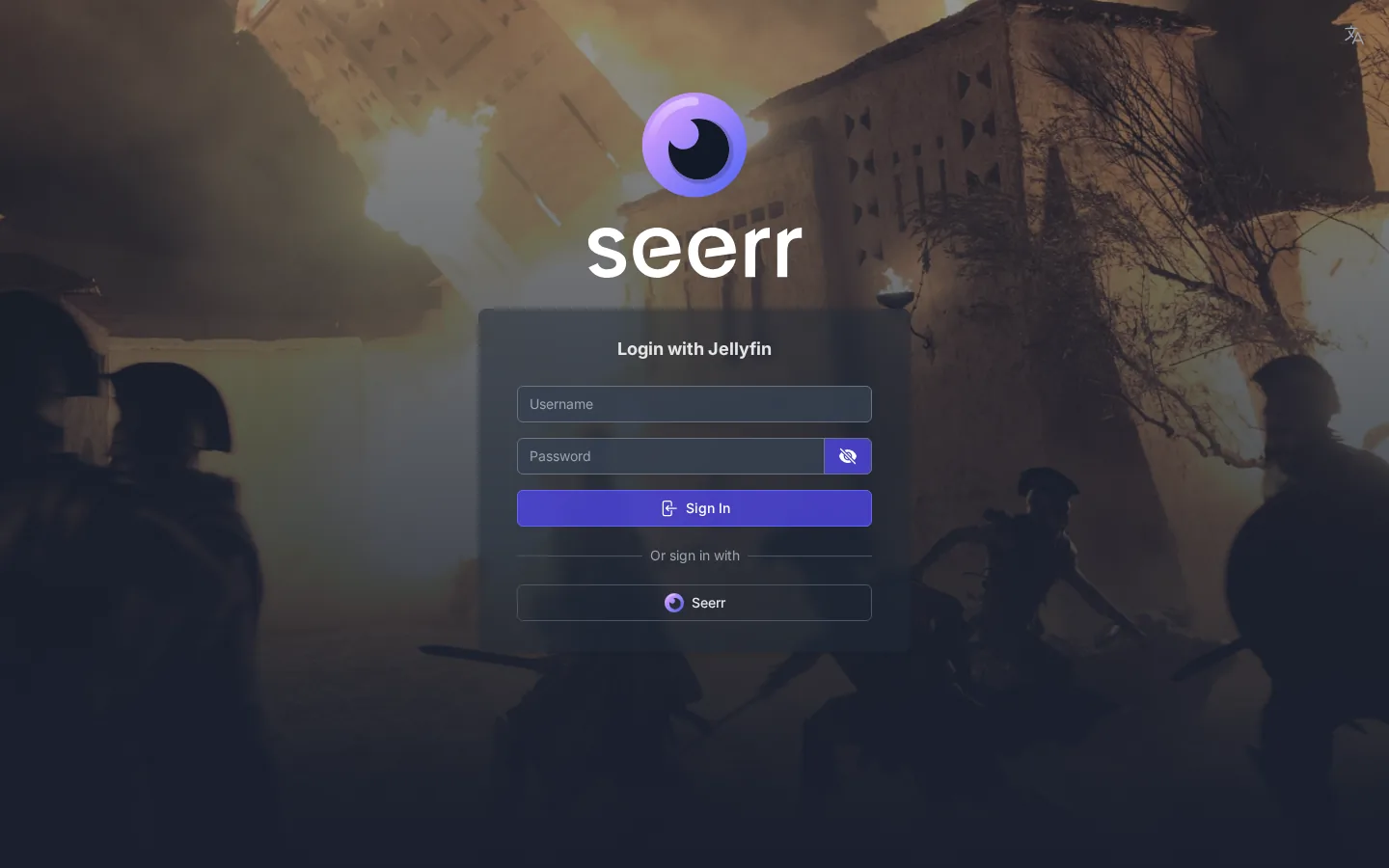
The fix is a new v7 rule in scripts/patch-seerr-bundle.sh. It targets the server bundle at /app/dist/routes/auth.js and neutralizes that hostname-already-configured rejection. Two things stay exactly as they were:
- Configured installs keep using their saved settings — there is no hostname spoofing. The patch removes the block, it does not fake your address.
- Credentials are still validated against Jellyfin. Your username and password are still checked by Jellyfin itself, so this does not weaken authentication.
The patch carries an idempotency marker — sparkbox-moonfin-v7 — meaning it can be applied repeatedly without stacking up or re-patching an already-patched file. (Idempotent just means "running it twice has the same result as running it once.")
How to apply it
- Let it apply on the next media-stack start. The v7 rule runs as part of the media stack coming up, so the simplest path is to restart the media services and let the patch land on its own.
- Or trigger an update directly:
This runs the update flow, which includes the patch step.sudo sparkbox u - Retry the login. Open Seerr's first-run sign-in (or click the Moonfin request button inside Jellyfin again) and sign in with your Jellyfin credentials. The 500 should be gone and the sign-in should complete.
Gotcha: If you're still seeing the 500 after applying, confirm the patch actually ran — the marker sparkbox-moonfin-v7 is what proves it. If your container was rebuilt from a stale image without the patch step, the file reverts to its unpatched state and you'll need the patch to apply again on the next start. A second sudo sparkbox u is harmless thanks to the idempotency marker.
If you run Seerr outside SparkBox, the principle still holds: the rejection lives in the compiled auth.js route inside the running container, and a clean restart that re-applies your patch step (however you manage it) is what clears the stuck 500. Don't hand-edit a bundle you can't reliably re-apply — a container rebuild will wipe a manual edit.
Symptom B: dashboard launcher stuck on "credentials haven't been generated yet" (open)
What's really happening
This one is honest-status open, so here's what we know rather than a promise. The dashboard's Jellyfin launcher decides whether Jellyfin is "ready" by looking for a SparkBox-generated Jellyfin credential artifact — a small file the automated setup writes when it creates the admin for you. When that artifact exists, the tile flips to ready.
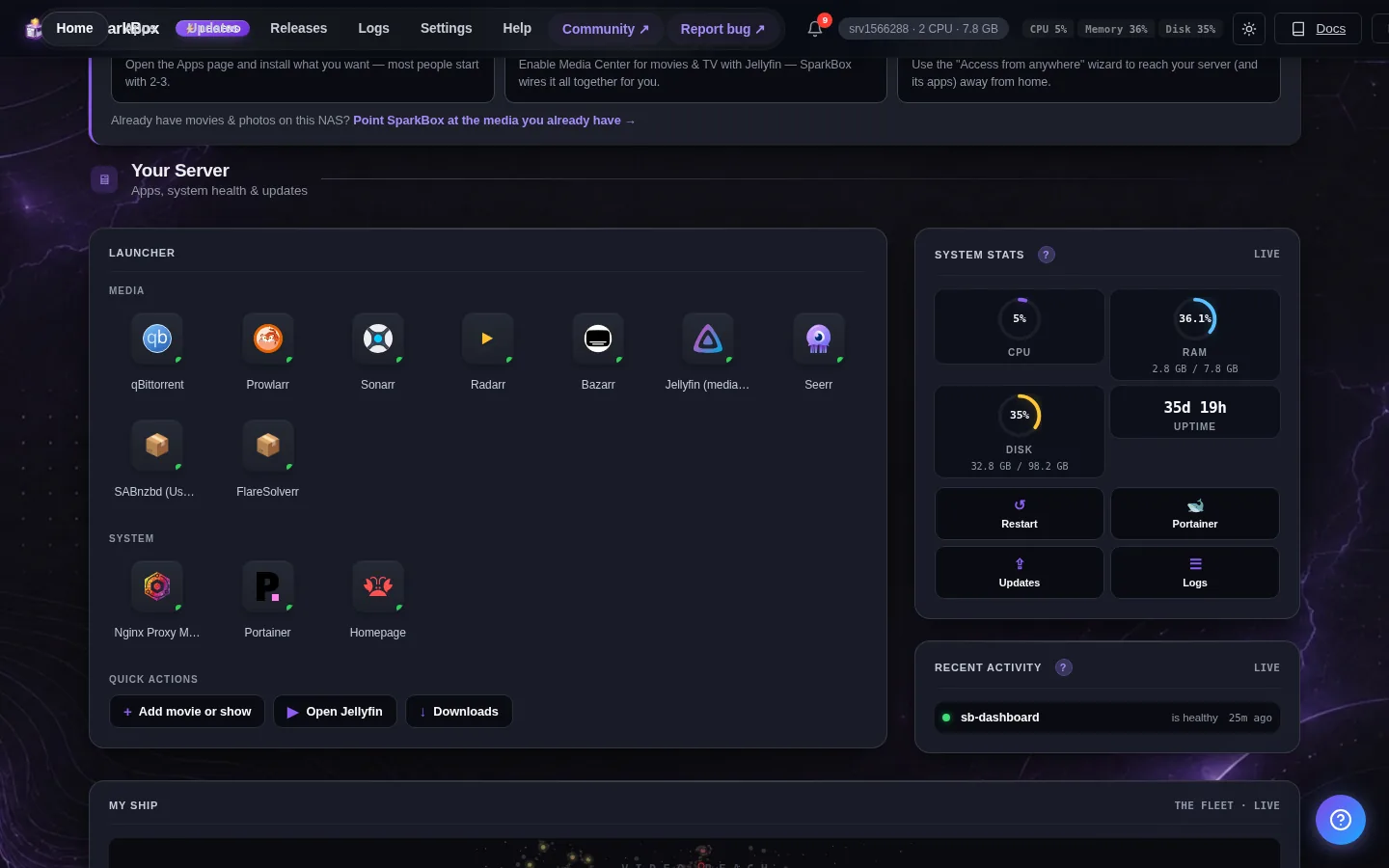
If you created the Jellyfin admin account manually — through Jellyfin's own setup wizard rather than letting the automated flow do it — that artifact never gets written. The readiness check keeps looking for a file that will never appear, so the "not ready / still finishing setup" branch never clears. Jellyfin itself is working fine; only the dashboard's idea of "ready" is stuck.
What you can do right now
- Confirm Jellyfin is actually fine. Open Jellyfin directly (not through the dashboard tile) and log in. If you can sign in and play media, the problem is purely the dashboard's readiness check — nothing is wrong with your server.
- Use Jellyfin directly for now. The launcher tile being stuck does not block Jellyfin, Seerr, or playback. You can bookmark Jellyfin's address and ignore the tile until the fix lands.
- If you're setting up fresh and haven't created the admin yet, let the automated SparkBox flow create the Jellyfin admin instead of doing it by hand. That way the credential artifact gets written and the readiness check clears normally.
Status — still open: The likely fix is to treat "Jellyfin is reachable and has a configured admin" as ready, or to add an "I set this up myself" dismiss button so the tile can be cleared by hand. That hasn't shipped yet. If your tile is stuck after a manual admin, you've correctly identified the symptom — there's just no automatic resolution to apply today.
Please don't try to fabricate the missing credential artifact by hand. We haven't documented its format here because we won't have you invent file contents — a wrong guess can confuse the readiness check further. The safe path is the direct-Jellyfin workaround above until the launcher logic is updated.
How the two issues relate (and why fixing one doesn't fix the other)
It's worth being clear: applying the v7 Seerr patch does nothing for the dashboard launcher, and vice versa. Symptom A lives in Seerr's backend bundle; Symptom B lives in the dashboard's readiness check. They share the word "Jellyfin" and not much else. If you have both, fix A with the update, and use the direct-Jellyfin workaround for B.
Frequently asked
Why does Jellyfin login through Seerr return a 500 error on the first sign-in?
Seerr's server bundle rejects the request when it thinks the hostname is already configured, and that rejection surfaces as an HTTP 500 that repeats on every retry. The v7 patch in patch-seerr-bundle.sh neutralizes that rejection in /app/dist/routes/auth.js, so retrying the sign-in succeeds. Your saved settings still apply and your password is still validated against Jellyfin.
How do I apply the Jellyfin login fix?
It applies automatically on the next media-stack start, or you can run sudo sparkbox u to trigger it directly. The idempotency marker sparkbox-moonfin-v7 means running it more than once is safe and won't double-patch the file.
Why does my dashboard Jellyfin launcher say credentials haven't been generated yet forever?
The launcher checks for a SparkBox-generated Jellyfin credential artifact to decide readiness. If you created the Jellyfin admin manually, that artifact is never written, so the "not ready" state never clears. This is a known open issue — Jellyfin itself still works, so open Jellyfin directly in the meantime.
Does the Seerr login patch spoof my hostname or weaken security?
No. Configured installs keep using their saved settings with no hostname spoofing, and credentials are still validated against Jellyfin. The patch only removes the rejection that was blocking the first sign-in retry.
Skip the bundle patching entirely
SparkBox ships the v7 Seerr login fix and applies it automatically on the next media-stack start — Jellyfin, Seerr, and the Moonfin request button just work together.