Gluetun says "Permission denied" after a successful install — here's what it means
You finished installing Gluetun — the VPN-in-a-container that other apps route their traffic through — and the very last line of output was a scary Permission denied. Or the setup got as far as verifying and then reported the result as inconclusive. In most cases nothing is actually broken: the message leaked from a best-effort write, and the verify step simply ran out of patience before the container could answer.
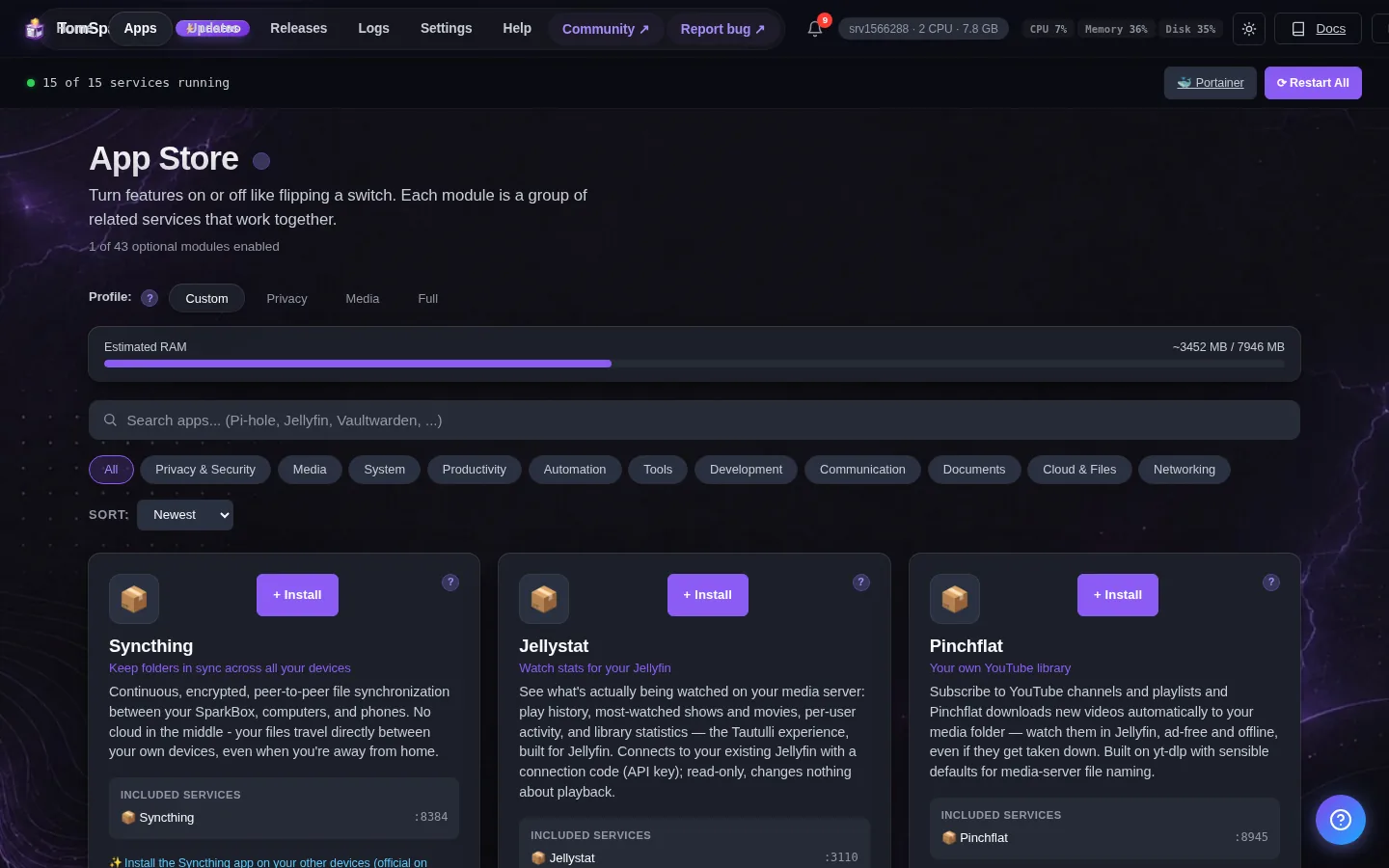
Rather not read the container internals? SparkBox ships the fixed timing and the silenced message by default, so a healthy Gluetun install just looks healthy. See the walkthrough →
The 10-second version: The leaked Permission denied after install is cosmetic and was fixed in v1.6.140 — if Gluetun is running, ignore it. If the verify said "inconclusive," the check timed out at 30s while Gluetun's declared start-up window is 75s; just give it time and re-check. A genuine "not writable" error means the mounted state directory needs the right owner and write permission.
What's actually happening
There are three separate things that get lumped under "Gluetun permission" complaints, and telling them apart is the whole fix. Two are harmless. One is real.
- A leaked message printed after an install that actually succeeded.
- A verify step that timed out and returned "inconclusive" — the container was fine, the check was too fast.
- A truly non-writable state directory, which happens on some virtual-machine installs.
Work through them in that order, because the first two are far more common and cost you nothing to rule out.
Cause 1: The "Permission denied" line after a clean install (cosmetic, fixed in v1.6.140)
During setup, SparkBox does a best-effort write of a small hash file — a fingerprint of your environment used to detect changes later. The code looked like this:
printf '%s\n' "$hash" > "$env_hash_file" 2>/dev/null || trueThe intent was: try to write the file, and if it fails, quietly move on. But there's a subtle shell trap here. In bash, when a redirection like > file fails because the target isn't writable, bash reports that open failure to the original standard error stream before the 2>/dev/null takes effect. And || true only swallows the command's exit code — it can't unprint a line that's already on your screen. So the "best-effort" write leaked its Permission denied even though the install as a whole finished correctly.
This was fixed in v1.6.140: the message no longer leaks. If you're on an older build, the fix is simply to update.
Gotcha: A leaked message is not the same as a failed install. Confirm by checking that the container is actually up and connecting. If docker ps shows Gluetun running and healthy, that stray line is safe to ignore.
How to confirm it's cosmetic
- List your containers and look at Gluetun's status:
docker ps - If the status column reads
Up ... (healthy), the install worked. Read the logs to confirm it connected:
Replacedocker logs gluetungluetunwith your actual container name if it differs. - Update to v1.6.140 or newer so the leaked line stops appearing on future runs.
Cause 2: The verify step timed out and returned "inconclusive"
This one is structural, not occasional — meaning it will happen every time under the same conditions, not just sometimes. The verify gate that confirms a restart worked had a deadline of 30 seconds (an internal setting named VERIFY_DEADLINE_MS, set to 30000 ms). The problem: the containers being restarted declare their own warm-up window, called start_period, and those windows are much longer:
- Gluetun:
start_period: 75s - Media stack:
start_period: 180s
start_period is Docker's grace window during which a container's health check can fail without the container being marked unhealthy. For that entire window, Docker honestly reports the container's state as starting — not healthy yet, not failed. So when the verify gate asked "are you healthy?" at the 30-second mark, the box was still legitimately in its starting window and couldn't say yes. The gate hit its own deadline and returned inconclusive — while everything behaved exactly as designed.
In plain terms: the check was faster than the thing it was checking. Nothing failed. It just gave up early.
What to do
- Wait it out. Give Gluetun a full 75+ seconds (or up to ~3 minutes if a media stack is warming up alongside it), then re-check status with
docker ps. An "inconclusive" result is not a failure result. - Confirm health directly rather than trusting the timed gate:
Wait fordocker ps(healthy)to appear in the status. - If you drive the verify step yourself, raise its deadline above the longest declared
start_period. Because the media stack declares 180s, a value comfortably above that (for example 200000 ms) gives every container room to finish warming up before the gate judges it.
Why this matters: A 30-second deadline over a 75–180 second warm-up will time out on healthy hardware every single time. If you keep seeing "inconclusive," don't chase phantom failures — the deadline is the thing to change, not the container.
Cause 3: The state directory genuinely isn't writable (VM installs)
This is the real one, and it's still being tracked as open. On some virtual-machine installs, the state directory the app writes to — reported in the error as /app/state — is genuinely not writable by the process trying to use it. When that's the case, the "Permission denied" isn't a leaked cosmetic line: the write actually fails.
The pattern is the same one Gluetun users hit with its own state volume (commonly mounted at /gluetun): a container runs as a particular user, but the directory on the host is owned by someone else, so the container can't write to it.
How to fix a non-writable state directory
- Find the directory and its owner. Look at who owns the mounted state path on the host:
Substitute the actual host path that maps tols -ld /path/to/state/app/state(or Gluetun's/gluetun) in your setup. - Check which user the container runs as. If your compose file sets a
PUID/PGIDor auser:value, that's the identity the directory must allow to write. - Grant ownership to that user. Point the directory at the right owner:
Use the UID/GID the container actually runs as, not root.sudo chown -R <uid>:<gid> /path/to/state - Make sure it's writable for that owner:
chmod -R u+rwX /path/to/state - Restart the container and check the logs again for the
Permission deniedline. If it's gone, the write is now succeeding.
VM caveat: On virtualized storage, ownership can look correct but still be blocked by how the host mounts the volume. If chown reports success but the write still fails, the problem is the mount layer between the VM and the container, not the file permissions inside it. That's the part still under investigation — flag it to us with your exact setup so we can reproduce it.
Frequently asked
Is the "Permission denied" line after a Gluetun install a real problem?
Usually no. In SparkBox it was a cosmetic message that leaked from a best-effort write to a hash file. The install completed; the line was silenced in v1.6.140. If docker ps shows Gluetun up and healthy, the message is harmless.
Why does the verify step say "inconclusive" or time out?
The verify gate deadline was 30 seconds, but Gluetun declares a 75-second warm-up window and the media stack declares 180. Docker reports "starting" the whole time, so the check ran out of time before the container could answer. Wait for the warm-up to finish and re-check.
How do I make Gluetun's state directory writable?
Check ownership with ls -ld, set it to the UID/GID the container runs as with chown, and ensure write permission with chmod. On a VM, this is the most common cause of a genuine "not writable" error — though the mount layer can still block writes even when permissions look right.
Which SparkBox version fixed the leaked message?
Version 1.6.140. It stopped the best-effort hash write from printing its redirection-open failure to your screen. The underlying writable-directory issue on some VM installs is tracked separately and remains open.
Skip the timing guesswork
SparkBox ships Gluetun with the corrected verify deadline and the silenced install message, so a healthy VPN container reads as healthy the first time.