Gluetun indexer errors: "Unable to connect" and constant reconnects
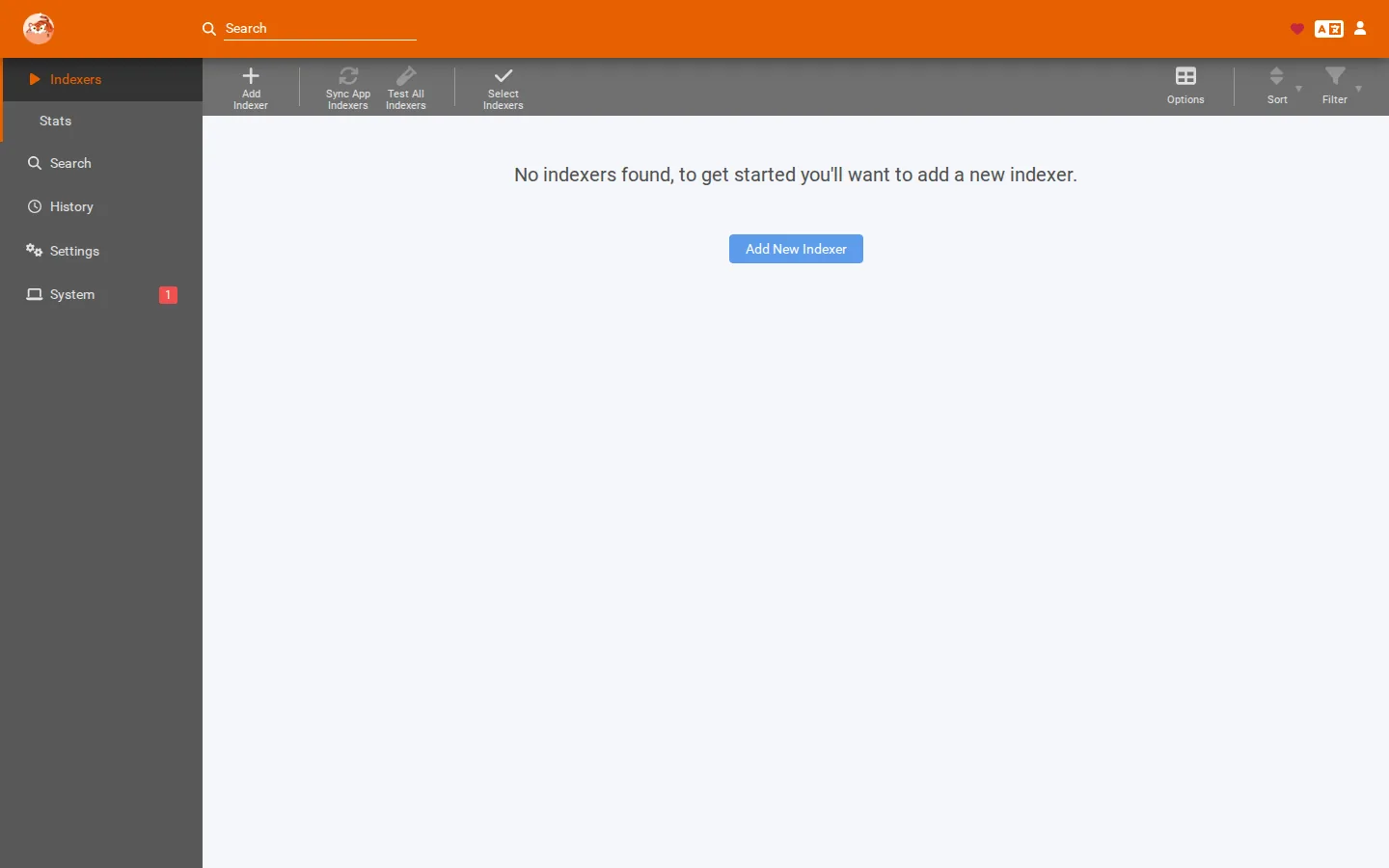
Your download apps show "Unable to connect to indexer", requested movies never grab, and Gluetun's logs are full of reconnect or JSON-decode messages — even though your VPN badge insists you're "protected." In almost every case the tunnel is unstable, its server cache is corrupt, or DNS can't get out through the VPN. Here's how to tell which, and fix it.
Rather not hand-tune a VPN container? SparkBox ships Gluetun with a sane, country-only server config and DNS defaults that avoid these traps out of the box. See the walkthrough →
The 10-second version: If indexers fail but your VPN "looks up," check Gluetun's logs. Reconnecting every few seconds? Loosen your server filter to country-only. "Unexpected end of JSON input"? Delete the cached server list and restart. WireGuard up but DNS failing? Change how Gluetun resolves DNS.
Quick vocabulary. Gluetun is a container (a small self-contained app) that runs a VPN and lets other apps route their traffic through it. *arr apps are the Sonarr/Radarr/Prowlarr family that search and download media. An indexer is the search source those apps query. WireGuard and OpenVPN are the two VPN protocols Gluetun can use. DNS turns a hostname like indexer.example into an IP address; DNS-over-TLS (DoT) is an encrypted version of that lookup.
First: read Gluetun's own logs, not the badge
The single most misleading thing here is a dashboard that says "protected." We've seen this directly: a monitoring pass caught Gluetun resetting its connection every few seconds, while the status badge kept showing healthy. A badge usually just asks "is a tunnel present right now?" — and if Gluetun is flapping (repeatedly going down and back up), the badge can sample it during an "up" moment and lie to you.
So before you change anything, look at what Gluetun is actually saying:
docker logs gluetun --tail 100Match what you see to one of the three sections below. That tells you which fix you need — guessing wastes hours.
Cause 1 — Gluetun is cycling unstable servers (flapping tunnel)
This is the sneakiest one. If you've pinned Gluetun to a very small set of specific servers — for example a handful of named cities — Gluetun keeps rotating through that tiny pool. When those particular servers are congested or unstable, it resets the connection every few seconds. Every indexer request that lands during a reset fails, so your *arr apps report "Unable to connect" seemingly at random. Meanwhile the badge "mostly shows healthy" because it catches the brief good windows.
This is exactly what happened in report #29593: SERVER_CITIES was pinned to three Canadian cities, Gluetun cycled the unstable ones, and every indexer failed while the dashboard looked fine.
The fix: filter by country only
- Find your city/server pinning. In your Gluetun environment variables, look for anything that narrows the pool tightly — a
SERVER_CITIESor specific-server list. - Remove the narrow filter and keep only a country-level filter (for example
SERVER_COUNTRIESset to your country). This gives Gluetun a large, healthy pool to pick from instead of three shaky servers. - Recreate the container so the new environment takes effect (restarting alone won't re-read changed env vars in most setups):
docker compose up -d --force-recreate gluetun - Watch the logs for 60 seconds. You want to see one connection come up and stay up — no repeating reset lines.
Gotcha: The user in #29593 self-resolved by switching to country-only. Don't pin to a single city unless you have a specific reason and know that city's servers are reliable — a tight filter is the most common cause of a flapping Gluetun tunnel.
Cause 2 — Corrupted servers.json cache ("unexpected end of JSON input")
Gluetun keeps a cached list of available VPN servers in a file called servers.json. If that file gets truncated — usually from an interrupted write during a crash or an unclean shutdown — Gluetun can't read it and refuses to start the tunnel. Because everything routes through Gluetun, downloads and indexers go down on every boot, and simply restarting your media apps won't help.
The telltale log line, from report #29728, is:
reading servers from file: decoding servers: unexpected end of JSON inputThe user there confirmed the VPN and everything behind it was dead on every boot, that two media-app restarts did nothing, and that the manual fix below cleared it ("all is good now! =D").
The fix: let Gluetun rebuild the cache
- Stop Gluetun so nothing is holding the file open:
docker stop gluetun - Locate the corrupt file. It lives in the folder you mapped to Gluetun's config volume — the host path on the left side of Gluetun's
gluetun:/gluetunvolume mapping. Inside that folder you'll findservers.json. - Remove the corrupt file so Gluetun regenerates a fresh one on next start:
(Replace the path with your actual mapped folder. Only delete this one file.)rm /your/gluetun/config/servers.json - Start Gluetun again and watch the logs — it will fetch a clean server list and bring the tunnel up:
docker start gluetun && docker logs -f gluetun - Once the tunnel is up, your indexers should reconnect without touching the *arr apps.
Why restarts didn't work: Restarting the media apps never touches Gluetun's cache. The bad file survives every restart until you remove it. This is why "I rebooted twice and nothing changed" is such a common, frustrating report — you were restarting the wrong thing.
Cause 3 — WireGuard connects, but DNS can't get out (still open)
This is the one we want you to recognize honestly: there is no shipped permanent fix yet. The pattern is that WireGuard connects perfectly — Gluetun looks completely healthy, no flapping, no JSON errors — but your *arr apps still throw "Unable to connect to indexer — DNS/SSL", and requested movies never download. A few users have hit this hard enough to give up ("im done with this just delete it").
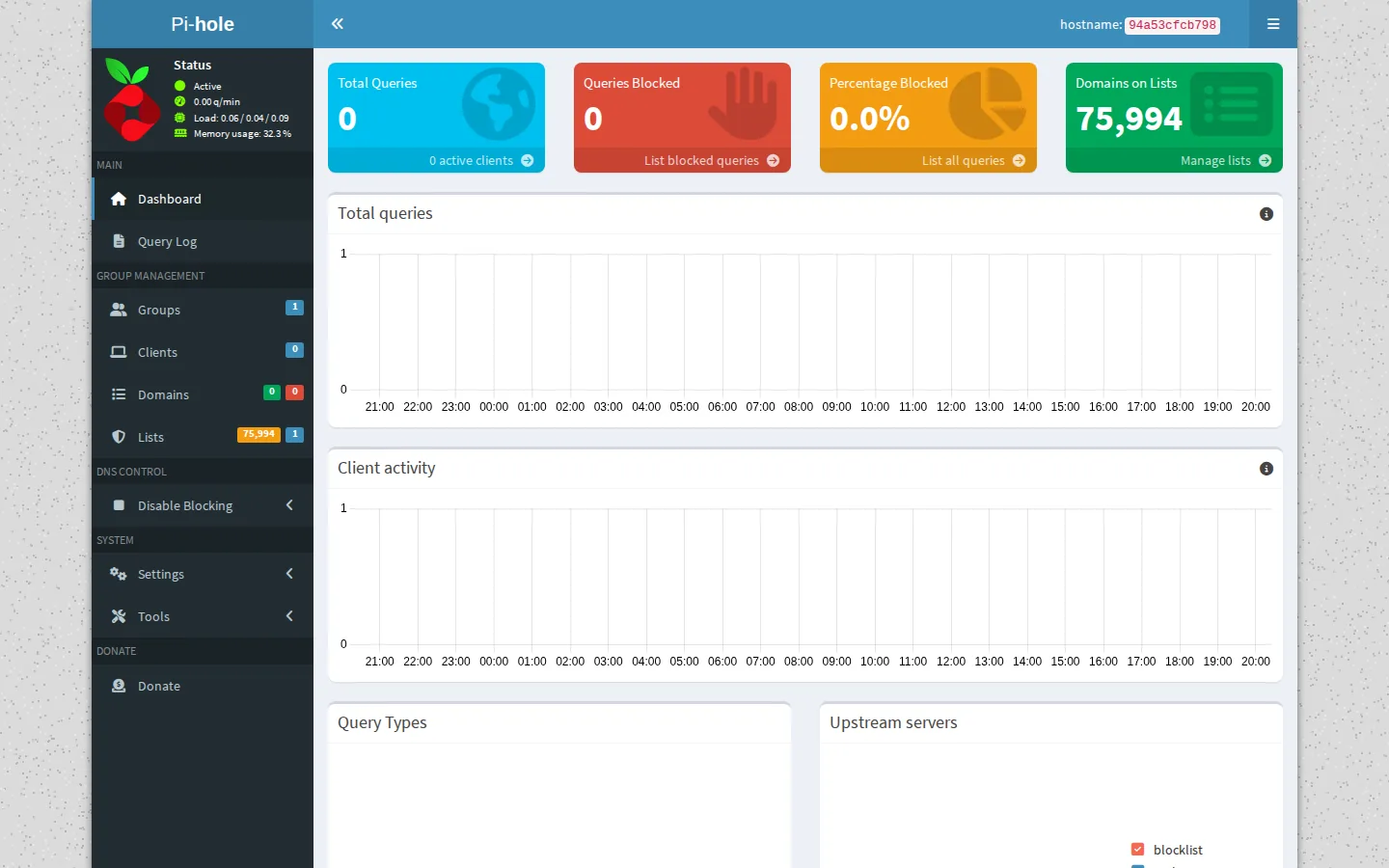
From our own transcript diagnosis, the confirmed root cause is that DNS-over-TLS can't traverse the tunnel. The VPN carries traffic fine, but the encrypted DNS lookups Gluetun tries to make don't complete — so indexer hostnames never resolve, and every request fails at the name-resolution stage, which surfaces as a DNS or SSL error.
What to try while this remains open
- Confirm it's DNS, not the tunnel. If Gluetun's logs show a stable WireGuard connection with no resets and no JSON errors, but indexers still fail with DNS/SSL messages, you're in this bucket.
- Change how Gluetun resolves DNS. The failure is specifically in the DNS-over-TLS path, so the workaround is to stop relying on it. In Gluetun's DNS-over-TLS setting, turn it off so Gluetun falls back to plain DNS resolution, then recreate the container and re-test your indexers.
- Test resolution from inside the container after the change to confirm names now resolve before blaming the indexer itself.
- Keep expectations realistic. Because this is unresolved upstream, treat any working configuration as a workaround, not a permanent guarantee. Note exactly what you changed so you can restore it after updates.
Honesty note: We're not going to pretend this is solved. If your symptoms match Cause 3 and the DNS workaround doesn't hold, that's the open issue — not something you did wrong.
Frequently asked
Why can't my *arr apps reach indexers behind Gluetun?
Three common causes: Gluetun is cycling through a tiny, unstable pool of servers and resetting every few seconds; its cached servers.json file is corrupt and won't decode; or WireGuard connects but DNS-over-TLS can't get out, so indexer hostnames never resolve. Read Gluetun's logs to see which one you have, then apply the matching fix above.
What does "reading servers from file: decoding servers: unexpected end of JSON input" mean?
Gluetun's cached server list is truncated or corrupt, usually from an interrupted write. Gluetun can't start the tunnel, so everything routed through it goes down on boot. Stop Gluetun, delete servers.json, and start it again so it rebuilds a clean copy.
My VPN dashboard says "protected" but indexers still fail — why?
A status badge often only checks whether a tunnel exists at that instant, not whether it's stable. If Gluetun is reconnecting every few seconds, the badge can catch an "up" moment and show healthy while every connection through it drops. Trust Gluetun's own logs over the badge.
Is the Gluetun WireGuard DNS issue fixed?
Not fully. The pattern where WireGuard connects but DNS-over-TLS can't traverse — giving "Unable to connect to indexer — DNS/SSL" — is still open. Changing Gluetun's DNS resolution away from DNS-over-TLS is a workaround, not a permanent shipped fix.
Skip the VPN tuning
SparkBox runs Gluetun with a country-only server filter and DNS defaults chosen to sidestep the flapping-tunnel and DNS traps above — so your indexers stay reachable without hand-editing env vars.