How to set up Pinchflat
Your own YouTube library. This guide covers how to access it, log in for the first time, configure the basics, and where its data lives so you can back it up.
1. What is Pinchflat?
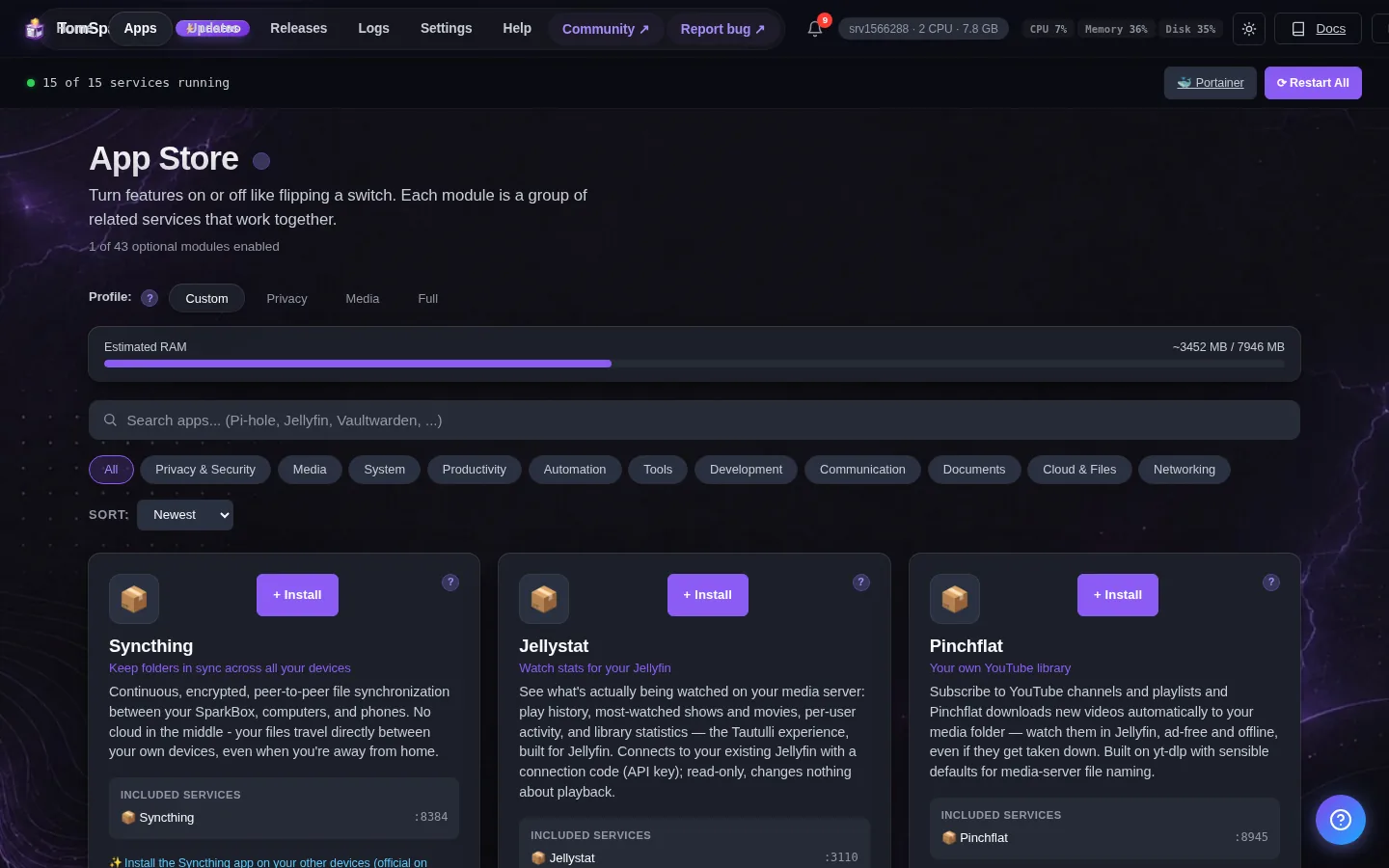
Subscribe to YouTube channels and playlists and Pinchflat downloads new videos automatically to your media folder — watch them in Jellyfin, ad-free and offline, even if they get taken down. Built on yt-dlp with sensible defaults for media-server file naming.
2. Before you start
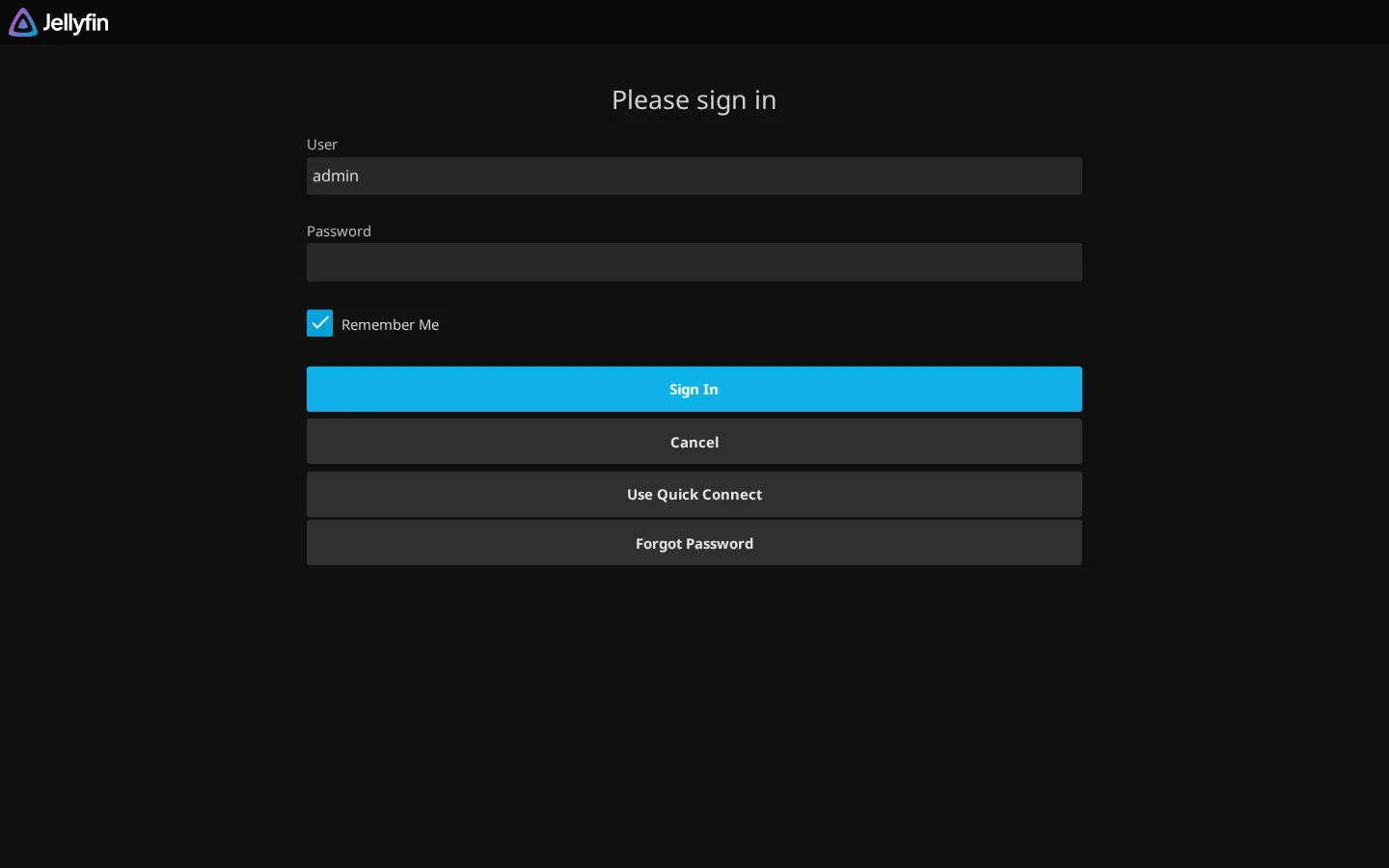
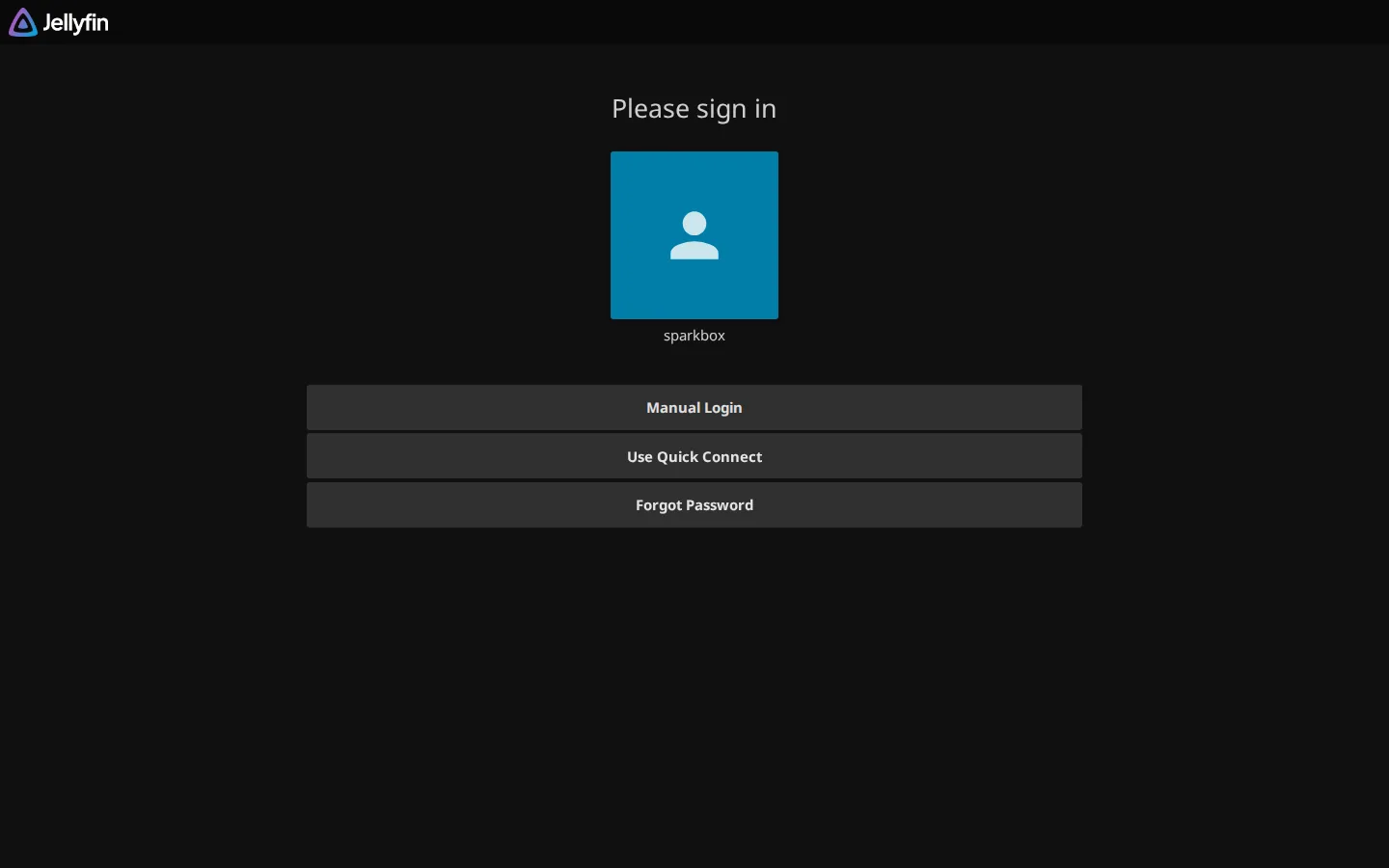
Downloads land in your media folder under youtube/. To browse them in Jellyfin: add a library pointing at /data/youtube (Jellyfin → Dashboard → Libraries → Add, content type 'Shows' works well for channels). Personal-archive tool — subscribe to channels you watch, mind YouTube's terms.
3. How to access it
Once it's enabled, Pinchflat runs on your SparkBox at:
http://<your-NAS-IP>:8945Create a Media Profile first (where files go + quality), then add channel subscriptions — Pinchflat checks for new videos on a schedule
4. Settings you can change
You can set these when you enable the module, or later from Apps → Pinchflat in the dashboard:
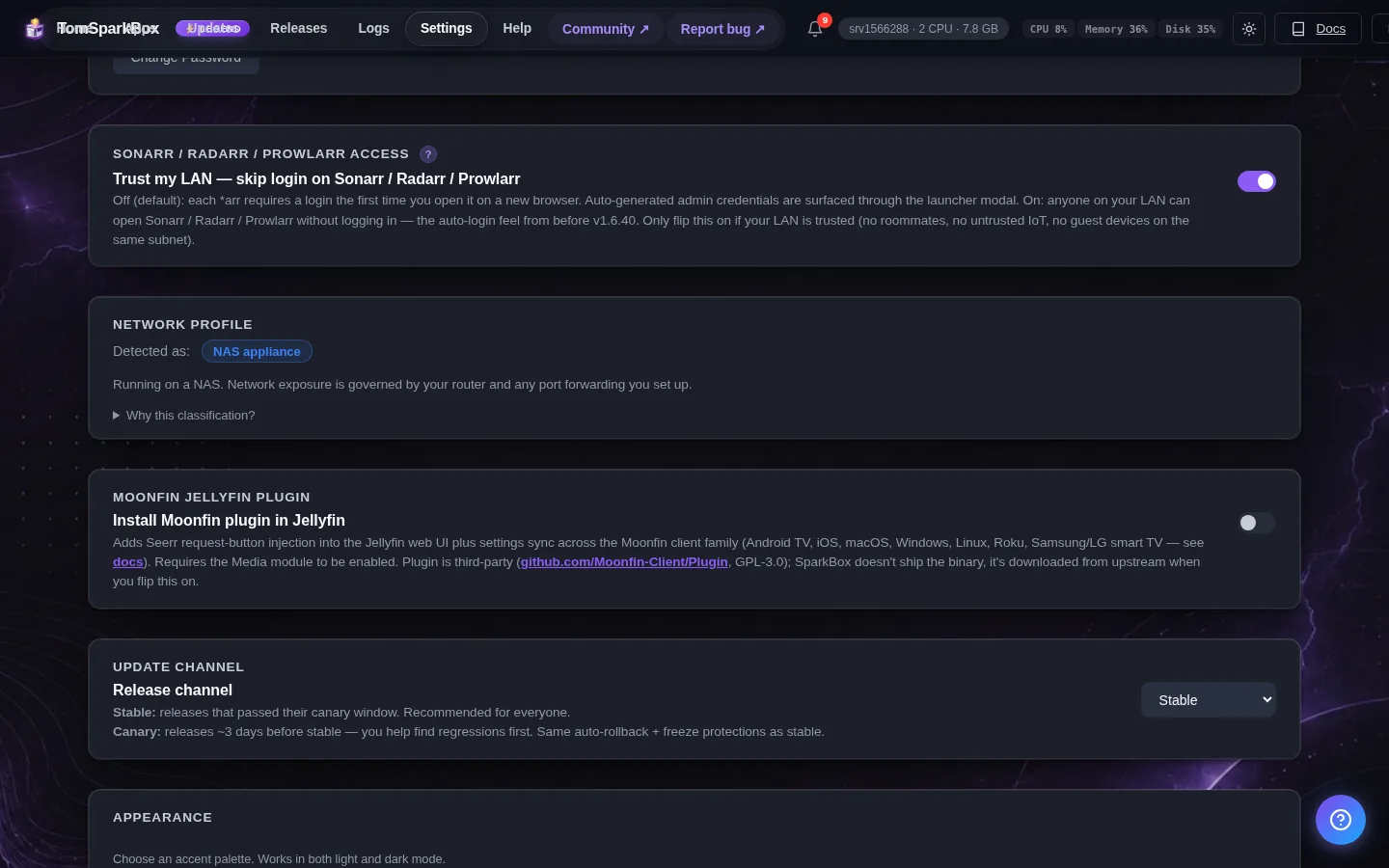
- Parallel downloads — How many videos Pinchflat downloads at the same time (upstream default 2). Each one is a separate yt-dlp process hitting YouTube, so set this to 1 if some channels keep failing with 429 / 'Sign in to confirm you're not a bot'. Takes effect after you restart Pinchflat from the Apps page.
5. Where your data lives
Pinchflat's config and persistent data are stored on the SparkBox host under:
/opt/sparkbox/modules/pinchflat/config/Backups via the SparkBox dashboard's Backup tile include this directory by default, so a single restore brings Pinchflat back to its current state on a fresh install.
6. Some channels download fine, others always fail
The tell-tale log lines are 'HTTP Error 429: Too Many Requests' and 'Sign in to confirm you're not a bot'. That is YouTube rate-limiting or age/bot-gating a subset of channels — it is not a broken install, which is why the other half keeps working. Two levers, in this order. (1) Turn the parallelism down: set 'Parallel downloads' to 1 in SparkBox Settings, then restart Pinchflat from the Apps page. Every worker is a separate yt-dlp process hitting YouTube, so fewer at once is the single most effective fix for 429s. (2) Give Pinchflat a YouTube cookies file. Export cookies.txt (Netscape format) from a browser that is signed in to YouTube — do this on your own computer, not on the box — and save it on your NAS at /opt/sparkbox/modules/pinchflat/config/extras/cookies.txt. Then, per subscription, set 'Cookie Behaviour' in Pinchflat (Sources → edit) to 'When Needed', or 'All Operations' for a channel that fails every time. No restart needed — the file is read on the next download. Heads up: yt-dlp warns that YouTube can IP-ban accounts whose cookies are used for heavy downloading, so use a throwaway account, not your main one.
7. Adding your own yt-dlp options
Pinchflat is built on yt-dlp and will pick up your own yt-dlp option file — SparkBox already bind-mounts the folder it looks in, so there is nothing to change in the compose file. Create /opt/sparkbox/modules/pinchflat/config/extras/yt-dlp-configs/base-config.txt on your NAS and put one option per line, exactly as you would in a yt-dlp config (for example: --extractor-args youtube:player_client=default,-web_safari). base-config.txt applies to every download. You can also scope options more narrowly with media-profile-<id>-config.txt, source-<id>-config.txt or media-item-<id>-config.txt in that same folder — the most specific file wins, and empty files are ignored. Two gotchas: the options apply to DOWNLOADS only (not to the indexing pass that discovers new videos), and this folder lives under modules/pinchflat/config, which SparkBox preserves across updates — so your file survives a SparkBox update.
Next steps
That's Pinchflat live on SparkBox.
If something doesn't match what you see, post in d/sparkbox or hit us up on YouTube. Every SparkBox bug gets patched; every UX-stumble in this guide gets rewritten.