How to set up Jellystat
Watch stats for your Jellyfin. This guide covers how to access it, log in for the first time, configure the basics, and where its data lives so you can back it up.
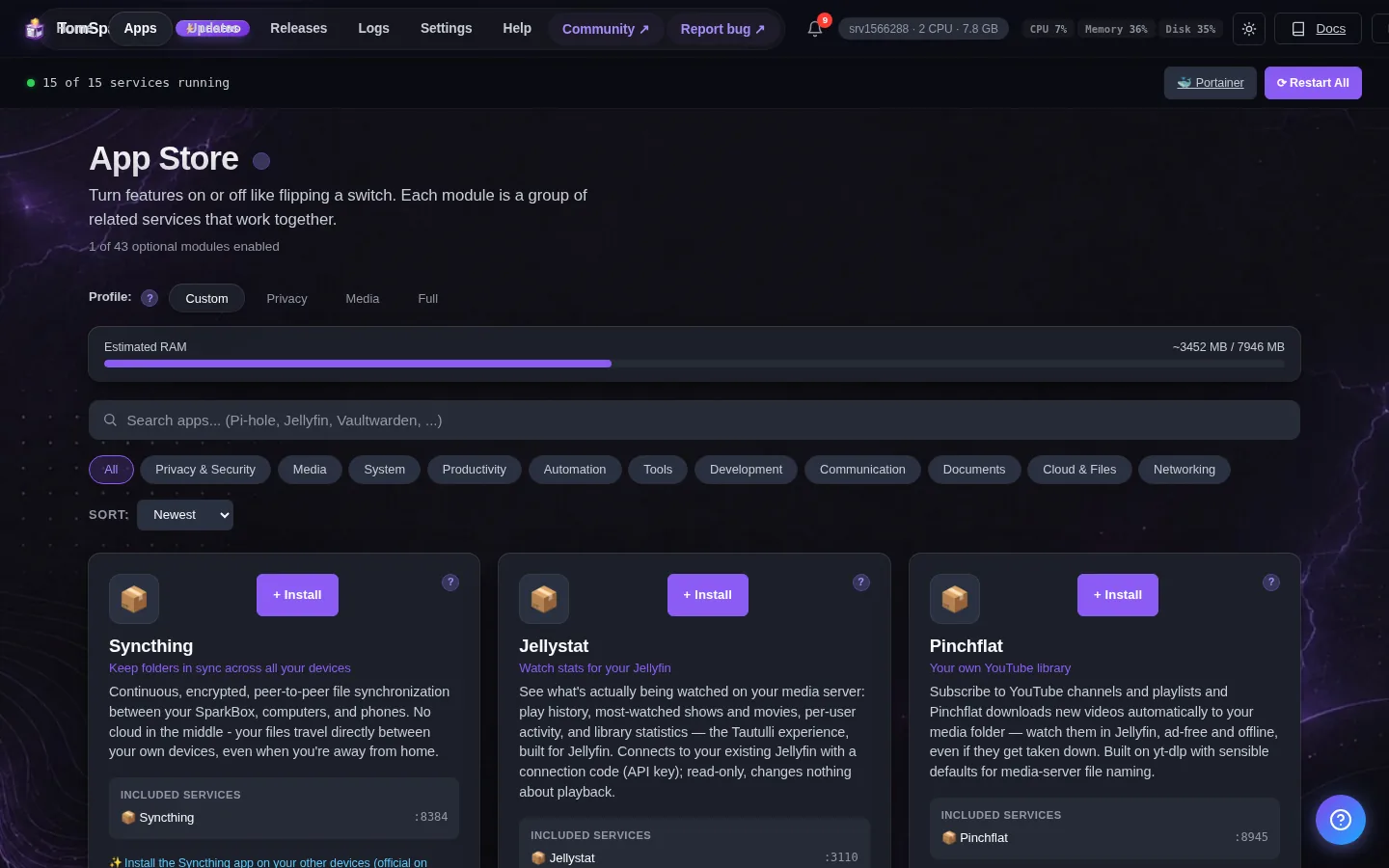
1. What is Jellystat?
See what's actually being watched on your media server: play history, most-watched shows and movies, per-user activity, and library statistics — the Tautulli experience, built for Jellyfin. Connects to your existing Jellyfin with an API key; read-only, changes nothing about playback.
2. Before you start
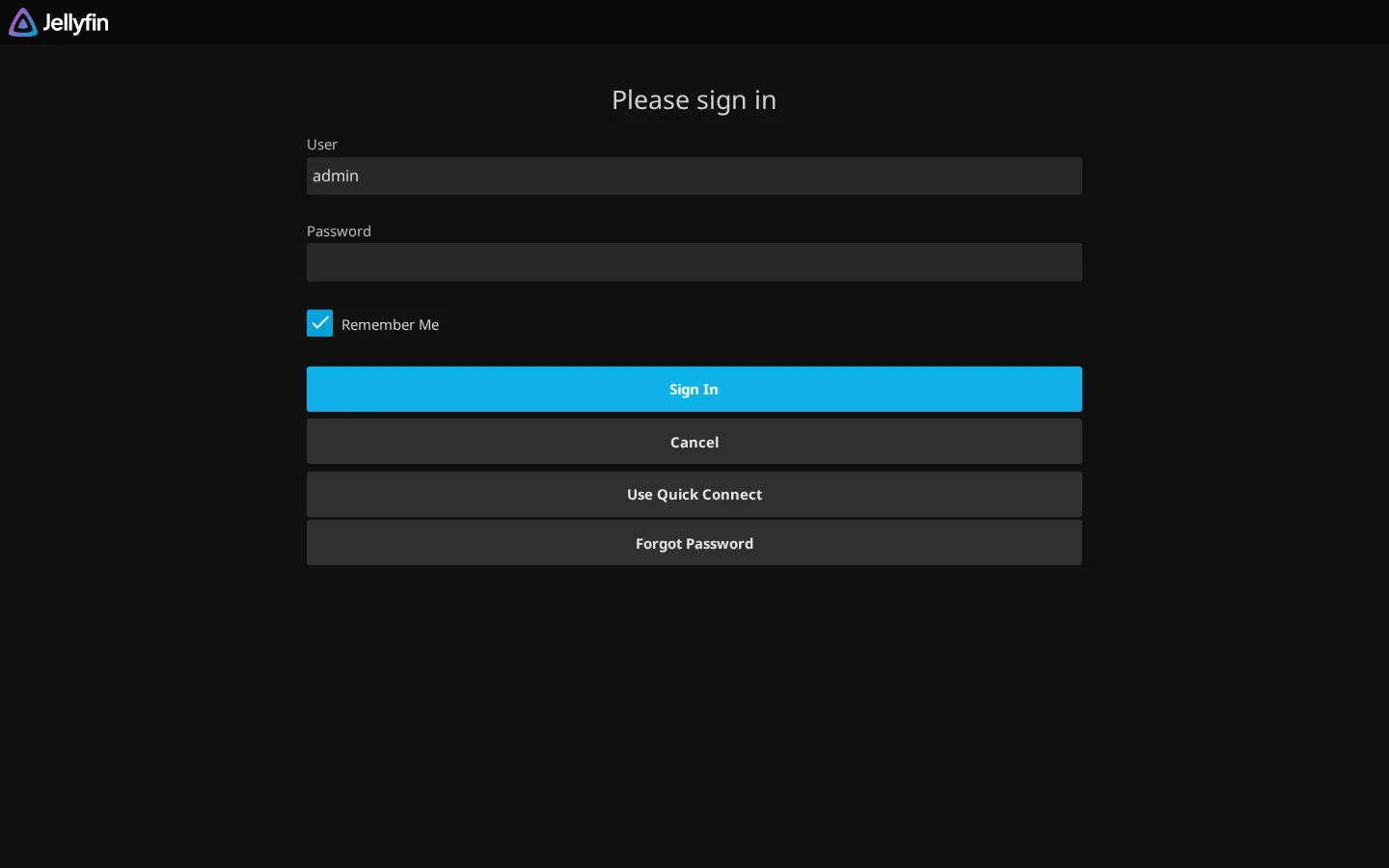
Jellystat needs your Jellyfin running (enable the Media stack first). After install, open Jellystat, create its admin account, then point it at Jellyfin: URL http://<your-NAS-IP>:8096 and an API key from Jellyfin → Dashboard → Advanced → API Keys.
3. How to access it
Once it's enabled, Jellystat runs on your SparkBox at:
http://<your-NAS-IP>:3110First visit: create the Jellystat admin account, then connect it to Jellyfin (URL + API key from Jellyfin → Dashboard → API Keys)
4. Settings you can change
You can set these when you enable the module, or later from Apps → Jellystat in the dashboard:
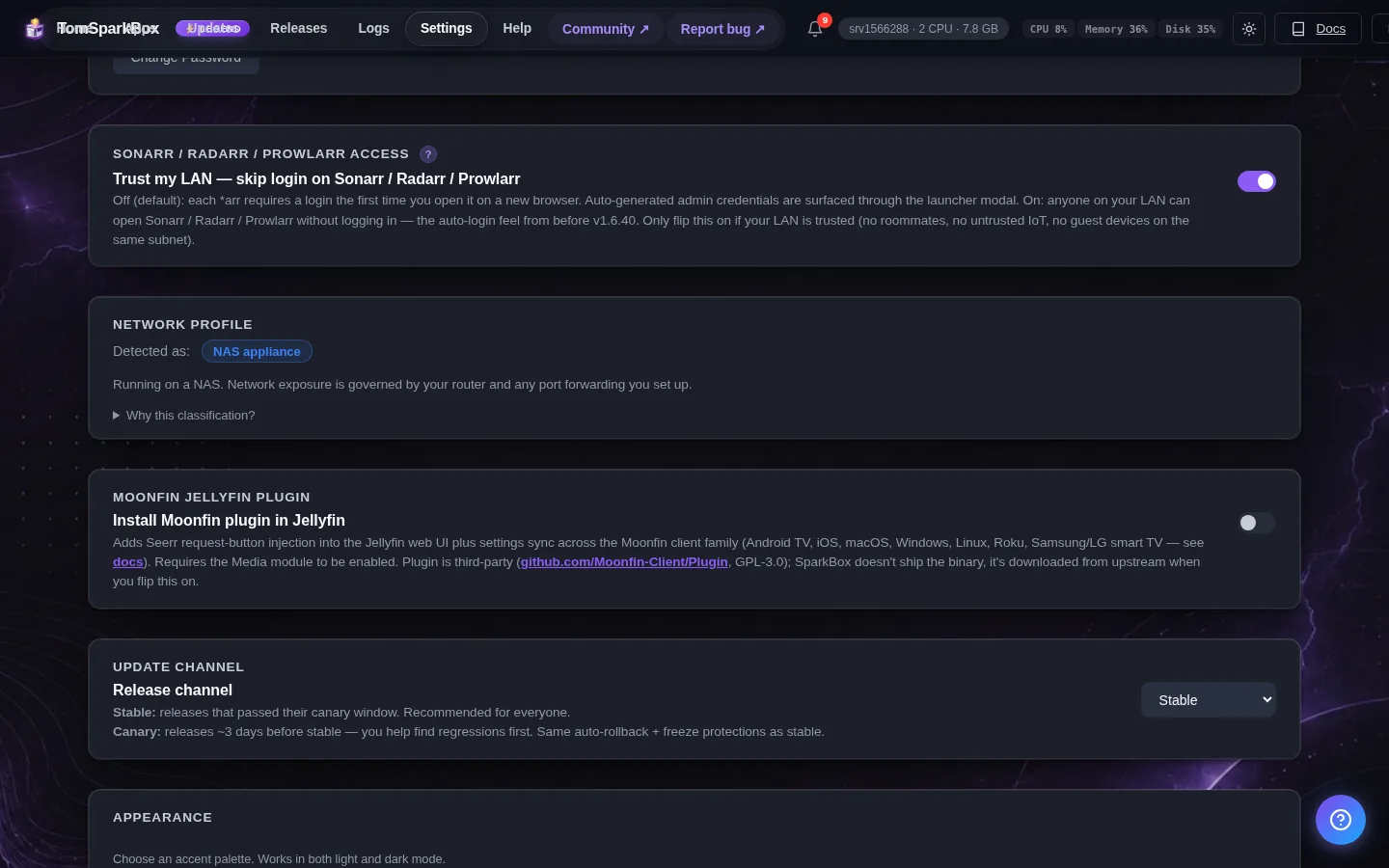
- Database Password — Password for Jellystat's internal database (auto-generated)
- Session Signing Secret — Secret used to sign Jellystat login sessions (auto-generated)
5. Where your data lives
Jellystat's config and persistent data are stored on the SparkBox host under:
/opt/sparkbox/modules/jellystat/config/Backups via the SparkBox dashboard's Backup tile include this directory by default, so a single restore brings Jellystat back to its current state on a fresh install.
Next steps
That's Jellystat live on SparkBox.
If something doesn't match what you see, post in d/sparkbox or hit us up on YouTube. Every SparkBox bug gets patched; every UX-stumble in this guide gets rewritten.