Jellyfin vs Plex: The Honest Comparison
Jellyfin and Plex are the two media servers most people end up choosing between when they decide to host their own movies and TV. Both run great on a home NAS or VPS. Both have apps for every device you'd want to watch on. And the internet is full of comparisons written by people who clearly only used one of them. This is not that. We ship both on every SparkBox install and have spent the last year running them side-by-side on the same hardware, watching what real users hit when they install them.
Tested on: UGREEN DXP4800 Plus running SparkBox v1.6.154, Jellyfin 10.11.10, and Plex Media Server 1.43.2. Same media library mounted into both servers. Both running on the same Intel N100 hardware with Quick Sync available.
1. The short answer (if you only read one line)
If family members who don't care about the technology are going to use it — partner, kids, parents in another house — install Plex. Polished apps on every TV, smooth remote streaming, "it just works" out of the box.
If you're the only person using it, you care about privacy, and you'd rather not pay a subscription for hardware transcoding, install Jellyfin. Free forever, open-source, no account, and the polish gap is smaller every release.
That's the gist. The next 1,500 words explain why, with the specific facts that pushed us to that answer.
2. Account & ownership: who controls the door
This is the deepest difference between the two and almost nobody emphasizes it enough.
To use Plex, you sign in to a Plex account. To set up the server, you visit plex.tv/claim, generate a 4-character claim token, and paste it into the onboarding wizard within four minutes before it expires. From that moment on, your media server is associated with your Plex account in their database. The Plex apps log in through plex.tv too — they ask Plex's servers where your server lives, then connect to it. When you share your library with a friend, the invite goes through plex.tv. If Plex's servers go down, your apps can still reach your server on the local network — but a lot of features that route through plex.tv stop working until the company's servers come back.
To use Jellyfin, you create a username and password in the wizard the first time you open the server. There is no Jellyfin company account. There is no third-party identity provider. The first user you create becomes the server admin. That account exists only inside your server's database file. If the Jellyfin organization vanished tomorrow, your install would keep working forever, unchanged.
For some people that distinction is the whole answer. If you're self-hosting media specifically because you want to be free of cloud accounts, Jellyfin is the only one of the two that actually delivers that.
3. Apps and playback: where Plex still wins
Plex's biggest practical advantage is that it has first-class, ad-supported-free apps on every platform a normal person owns: Roku, Apple TV, Fire TV, Samsung Tizen, LG WebOS, Xbox, PlayStation, iOS, Android, Chromecast, and the web. They're polished. They auto-discover your server. They handle audio passthrough and HDR correctly most of the time. Pre-installed on millions of smart TVs.
Jellyfin has good apps on the platforms it controls: iOS, Android, web, Android TV, Roku, Fire TV. The smart-TV story is less rosy — Samsung and LG TVs don't have official Jellyfin apps in their stores, so users typically either cast from a phone, sideload a community fork (Jellyfin-Web for Tizen, jellycon-style options on LG), or just plug a $30 Chromecast / Fire Stick into the TV and use the official Jellyfin app there. That works fine. It's just not the "open the smart TV, Jellyfin is on the home screen" experience Plex gives you.
For the apps that exist on both, Jellyfin has closed the polish gap significantly in 2025-2026 — trickplay scrubbing previews, much better skip-intro detection, smoother resume-where-you-left-off. But on the day you hand the TV remote to your parents in another state, Plex is still the lower-risk pick.
4. Hardware transcoding: the licensing trap
Transcoding is what your media server does when a device asks for a video your hardware can't play natively — re-encoding it on the fly. CPU transcoding works but pegs all your cores and looks bad on a NAS. Hardware transcoding uses the GPU (Intel Quick Sync on most NAS hardware) and is roughly 5–10× faster while drawing a tenth of the power.
Both Jellyfin and Plex can use the same Intel GPU on the same machine. SparkBox handles the Docker plumbing for both — the GPU device (/dev/dri) is mapped into the container by an optional compose overlay that only loads if hardware acceleration is actually available, so the same install works on a UGREEN NAS with Quick Sync and a Hostinger VPS without one. (That conditional overlay is the fix for a real bug — earlier versions of the Plex module hardcoded the GPU device, which made the container refuse to start on VPS hosts entirely.)
Here's the trap. Plex requires Plex Pass — a paid subscription — to use hardware transcoding. Pass costs roughly $5 per month, $40 per year, or $120 lifetime as of writing. Without Pass, the GPU is mapped into the container, the hardware is right there, and Plex still won't use it. You get CPU transcodes only.
Jellyfin's hardware transcoding has always been free. Map the same GPU, set Intel QSV (or VAAPI) in the dashboard, and you have full hardware acceleration with no subscription. On an Intel N100 NAS, that's the difference between smooth 4K HEVC playback to a Roku and a CPU pegged at 100% transcoding a single stream.
If you don't transcode much — say, your apps natively play everything in your library and the only client that ever needs a re-encode is a phone on cellular — you can live without hardware acceleration. But the moment you're streaming to a Chromecast that can't decode HEVC, or to a friend on a slow link, this single line item is what tips the cost equation for most people.
5. Privacy: what each one phones home
Both servers are software running on your hardware on your network. Neither one uploads your video files anywhere. So the privacy question is really: what metadata, telemetry, and usage information leaves the box?
Plex's connection to plex.tv is fundamental to how the product works. Your account is hosted there. When you log into a Plex app it asks Plex's servers where your server is. The Discover feature (the "what's on streaming services" row that has gradually taken over the Plex home screen) requires periodic talking to plex.tv. Watch history syncs to plex.tv by default so it follows you across devices. There's a setting buried under Account → Online Media Sources where you can disable Discover, and you can opt out of "Send anonymized usage data" in the server settings. We turn both of those off on our test install. It calms the traffic but doesn't eliminate it — by design, the apps still need to reach plex.tv to find your server.
Jellyfin doesn't have an equivalent cloud. Your server is the source of truth. The Jellyfin apps connect to whatever IP/hostname you tell them. Metadata fetches go directly from your server to TheMovieDB, TheTVDB, and the music databases — that's how it learns what the movie file is — but those are the same lookups Plex makes; neither product can identify content without consulting an external database. Jellyfin has an opt-in update notification check; turn it off in dashboard settings and the only outbound calls left are metadata.
If you specifically chose self-hosting to get out from under cloud accounts, Jellyfin is the much cleaner story. If you don't care about that aspect — you trust Plex Inc with your watch history — it's a non-issue.
6. Cost over five years
Everyone leaves money on the table at some point in this comparison. The honest five-year cost — assuming you already own the NAS or rent the VPS either way — looks like this:
Plex (with Plex Pass lifetime)     $120 one-time
Plex (with Plex Pass yearly)       $200 over 5 years
Plex (no Pass, software transcode)   $0 — but you give up HW accel
Jellyfin                             $0 — full features, forever
So Plex's lowest sustainable price for "the full product" is one $120 lifetime payment. That's not a lot of money for software that you'll genuinely use almost every day. We've paid it. We're not anti-Plex. But it's a real number that goes on the comparison, and "Jellyfin is free" understates how much-free Jellyfin is — it's also free of an account, free of the threat of a price change, and free of a corporate roadmap that's been gradually drifting toward Plex-the-streaming-service rather than Plex-the-server.
7. Installing either one on SparkBox
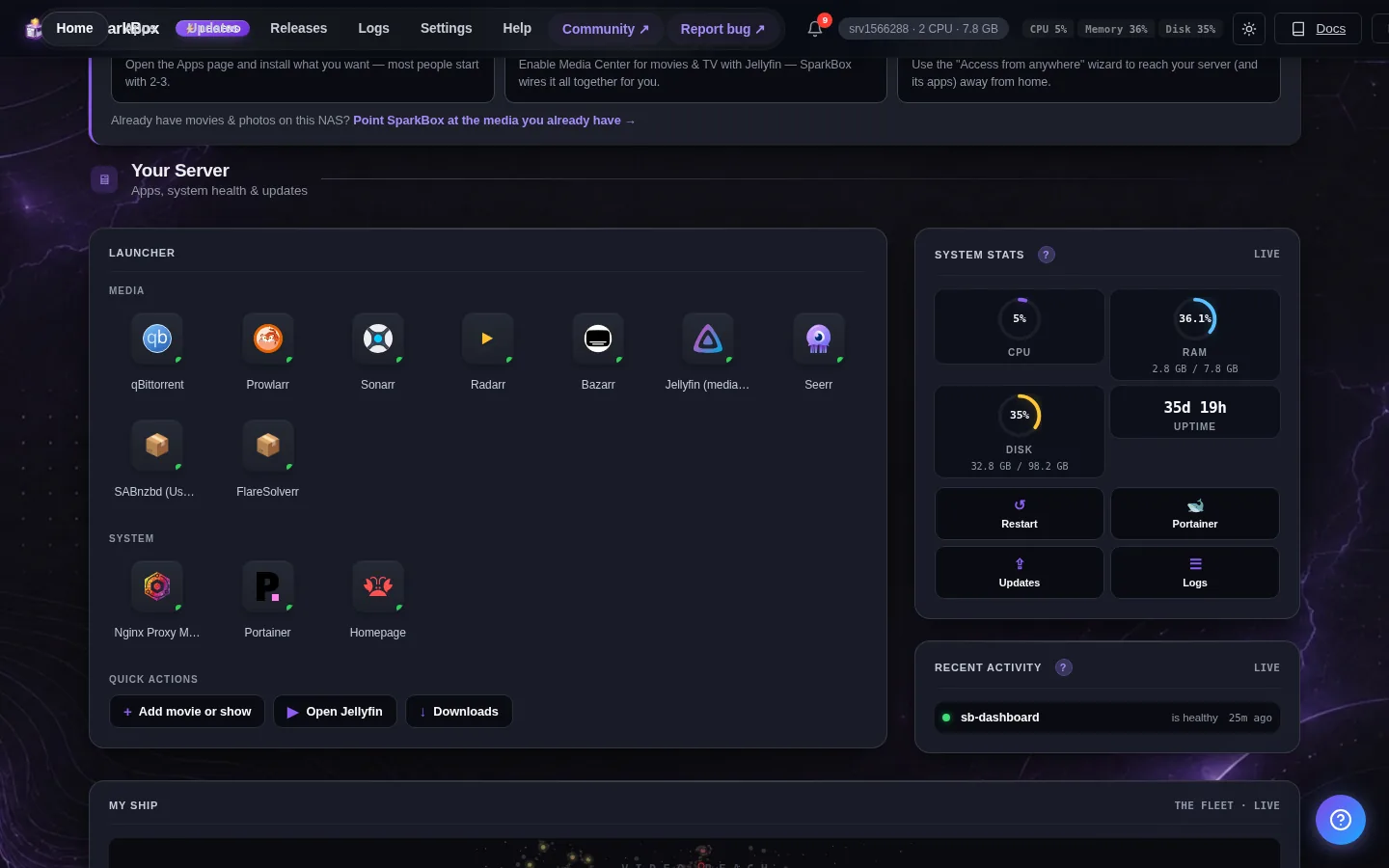
The fastest way to actually compare them is to install both and try. SparkBox ships with each as a one-click module — they coexist happily because they read the same data/media folder, just on different ports (Jellyfin on :8097, Plex on :32400). The dashboard handles passwords, paths, and the GPU plumbing for both.
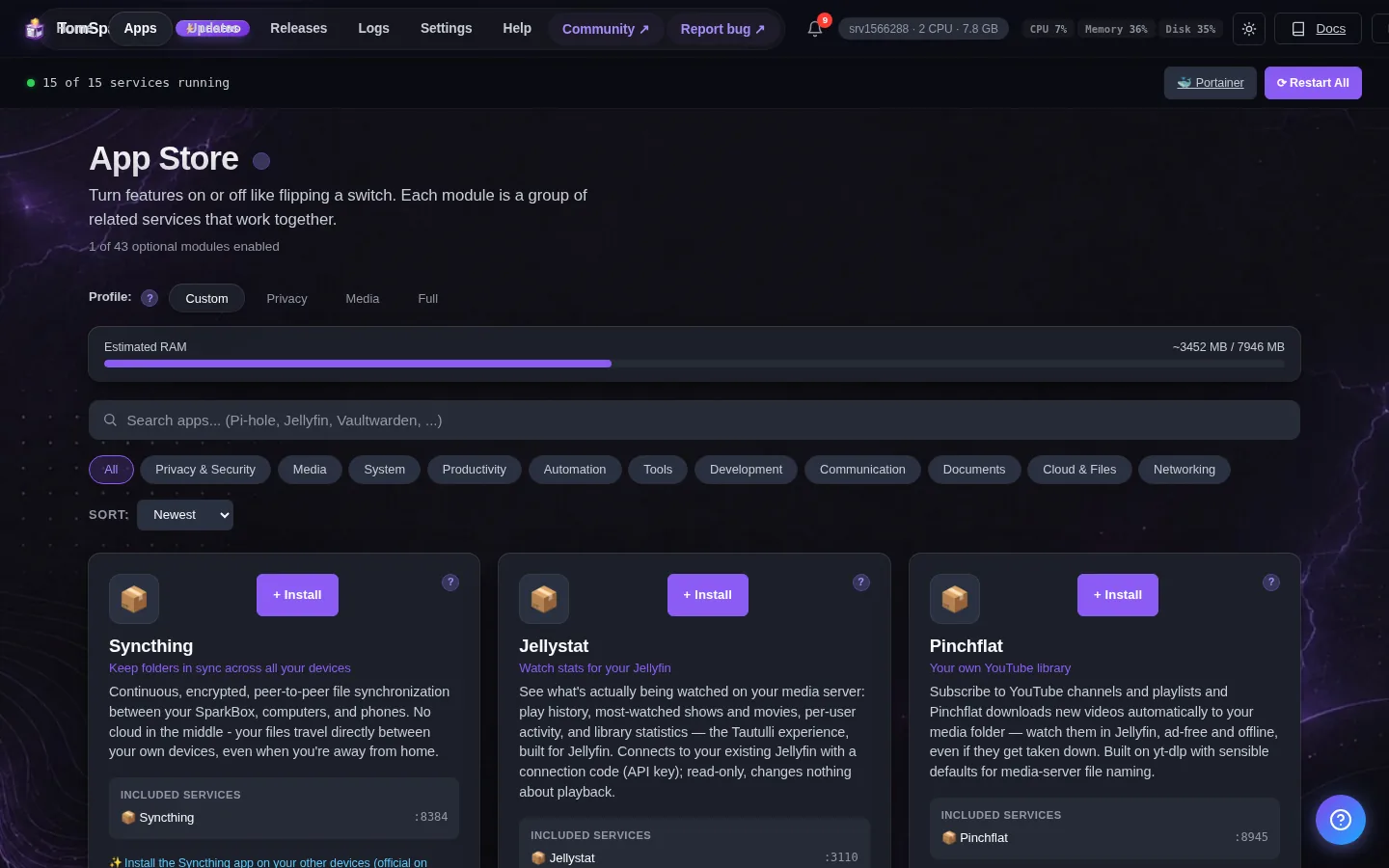
Specific setup steps for each are in their own guides:
- How to set up Jellyfin on SparkBox — first-run wizard, library scan, hardware transcoding toggle.
- How to set up Plex on SparkBox — claim flow, library setup, the Plex Pass decision.
One gotcha worth calling out for the side-by-side test: on SparkBox the standalone Jellyfin module conflicts with the VPN-tunneled media bundle (which already includes its own Jellyfin instance). The dashboard will warn you if you try to enable both — pick one or the other to avoid running two Jellyfins on different ports and getting confused about which library is which.
If you plan to stream from anywhere — say, watching your library on a phone while traveling — you'll also want either a VPN back to your network (we use Surfshark on the router) or a mesh tunnel like Tailscale. Plex offers its own "remote access" feature that punches a hole through your router; it works, but it's also one more thing routed through plex.tv. Jellyfin has no equivalent — you bring your own remote access. See our VPN choice guide for the speed numbers from our test NAS.
8. Which one should you actually pick?
Install Plex if:
- Other people in your household or family use it — non-technical people who just want to open a TV app and have it work.
- You watch on a Samsung or LG smart TV and don't want to add a Roku / Fire Stick / Chromecast.
- You're fine paying once for the lifetime Pass to unlock hardware transcoding.
- You actively enjoy the Discover-streaming-services integration on the home screen.
Install Jellyfin if:
- You're the primary user and you're comfortable putting a $30 Chromecast or Fire Stick on a TV that needs it.
- You self-hosted specifically to get away from cloud accounts and tracking.
- You want hardware transcoding for free.
- You'd rather use software that won't change its business model out from under you.
Install both — which is what we did on the test box — if you want to make the call yourself. They share the same media folder, they don't interfere, and after two weeks of running them in parallel you'll have your own answer.
Next steps
The fastest way to compare them yourself is to run both for a week.
SparkBox installs Jellyfin and Plex side-by-side on one machine in a single command — no Docker config to write, no GPU plumbing to debug, no separate Plex account workflow to remember. Pick a NAS you already own or spin up a $7/mo Hostinger VPS, paste the one-line install, then flip each one on from the dashboard.